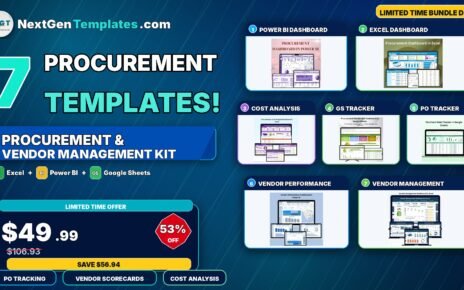
If you manage marketing or social media, you already know the pain: your data lives in a dozen places, reporting eats your week, and by the time you’ve pulled the numbers together the campaign is already over. The Marketing and Social Media Analytics Kit fixes that. It bundles seven of our most popular marketing templates — across Excel, Google Sheets and Power BI — into one complete toolkit so you can track social media performance, measure campaign ROI, and plan your calendar without juggling tools.
Bought individually these seven templates cost $84.93. As a bundle you pay just $49.99 — a saving of $34.94 (about 41% off). Browse the full range any time on the dashboard templates and sales and marketing collections.
🚀 Get the Complete Kit for $49.99
7 premium templates • Excel + Google Sheets + Power BI • Save 41%
Why a Marketing Analytics Bundle Makes Sense
Marketing rarely lives on a single platform. Some teams love the flexibility of Excel, others work entirely in the cloud with Google Sheets, and many report up to leadership through Power BI. This kit gives you all three, so whichever tool your team prefers, you have a polished, ready-to-use dashboard waiting. You also get both halves of the analytics picture: social media performance (engagement, reach, impressions) and marketing performance (leads, conversions, ROI), plus a campaign calendar to plan it all.
What’s Included in the Kit
1. Social Media Performance Dashboard in Google Sheets
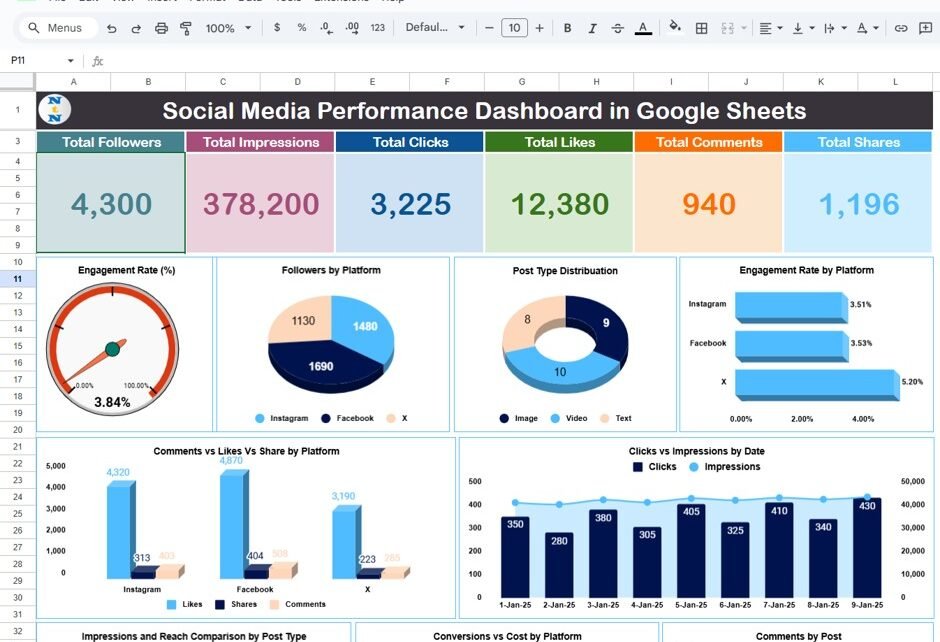
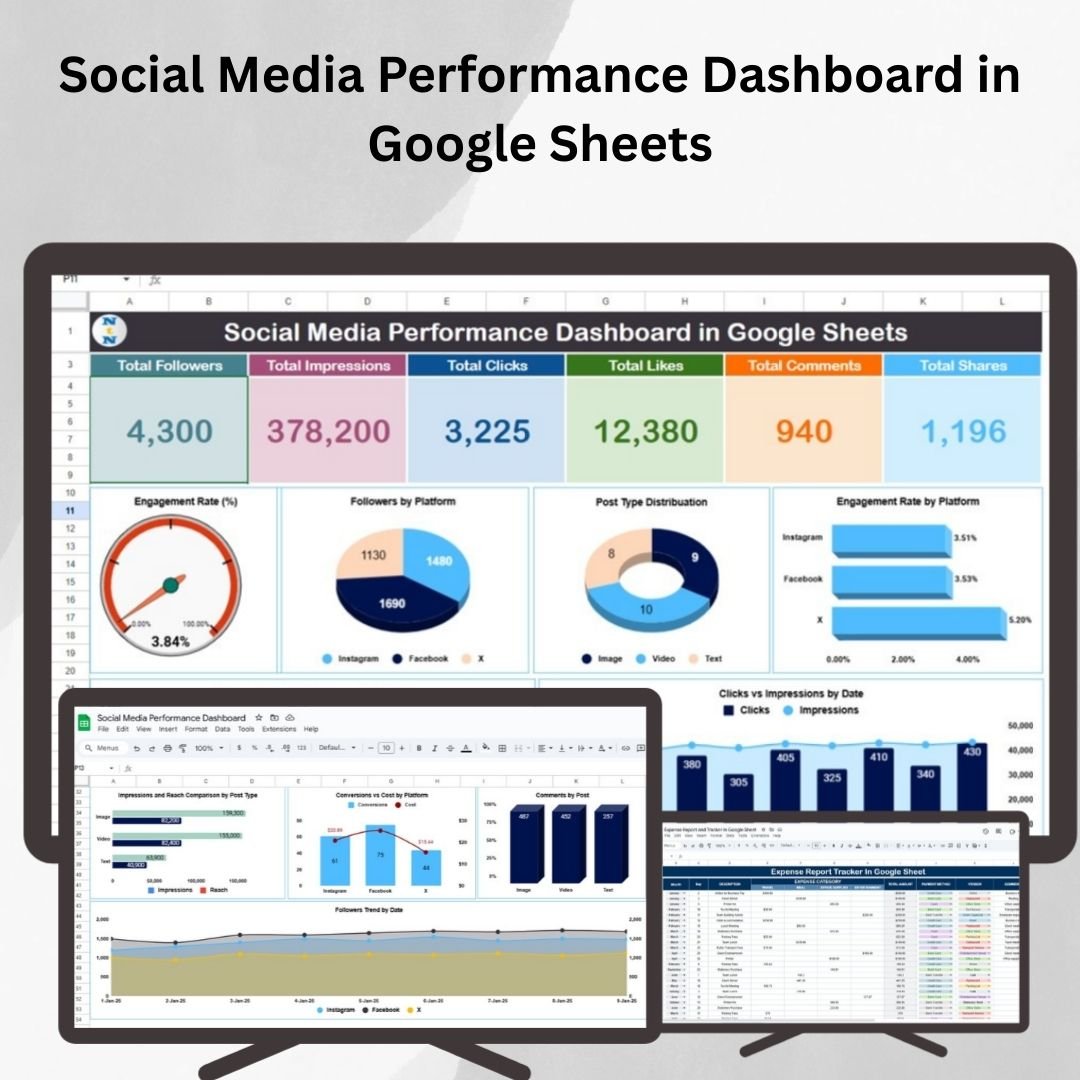
A cloud-based dashboard to track likes, comments, shares, reach and engagement across every platform, with interactive charts and real-time updates. Ideal for teams who want to collaborate live. View template →
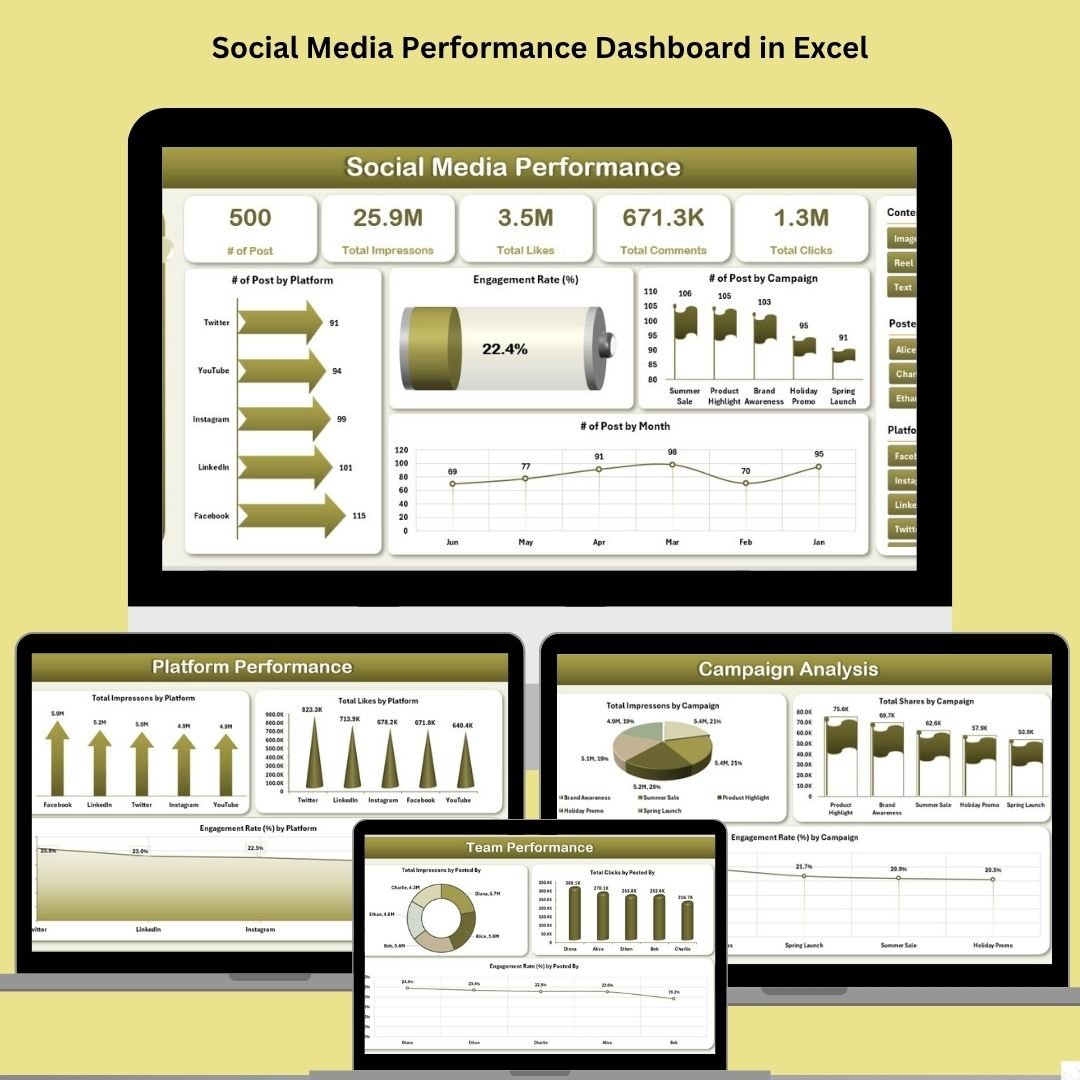
2. Social Media Performance Dashboard in Excel
Five interactive dashboard pages with slicers covering posts, engagement, impressions, clicks, campaign and team performance — all driven by auto-updating Pivot Tables. View template →
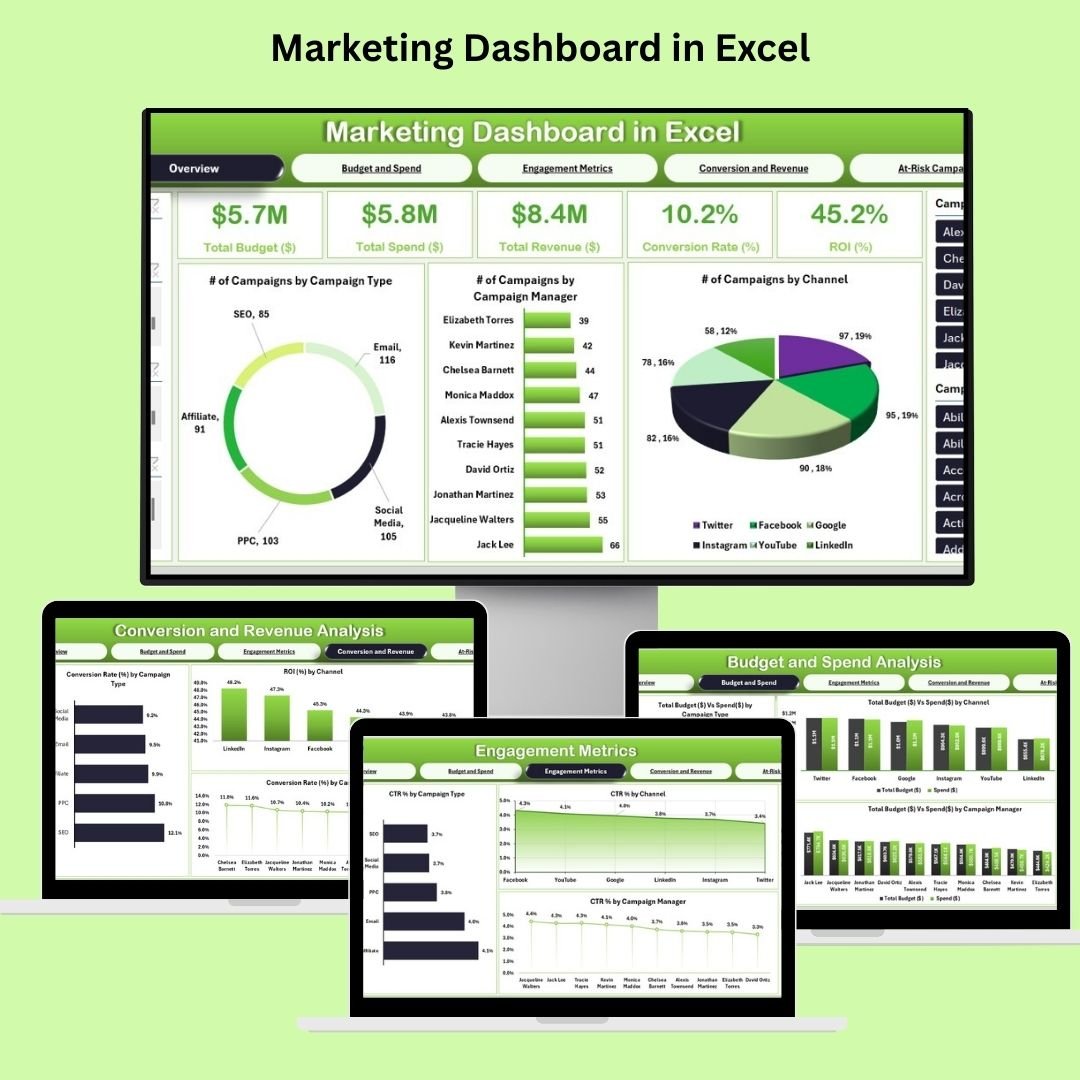
3. Marketing Dashboard in Excel
Comprehensive marketing KPI tracking — ROI, conversions, campaign performance, leads and goals — with interactive charts and customizable metrics for any marketing strategy. View template →
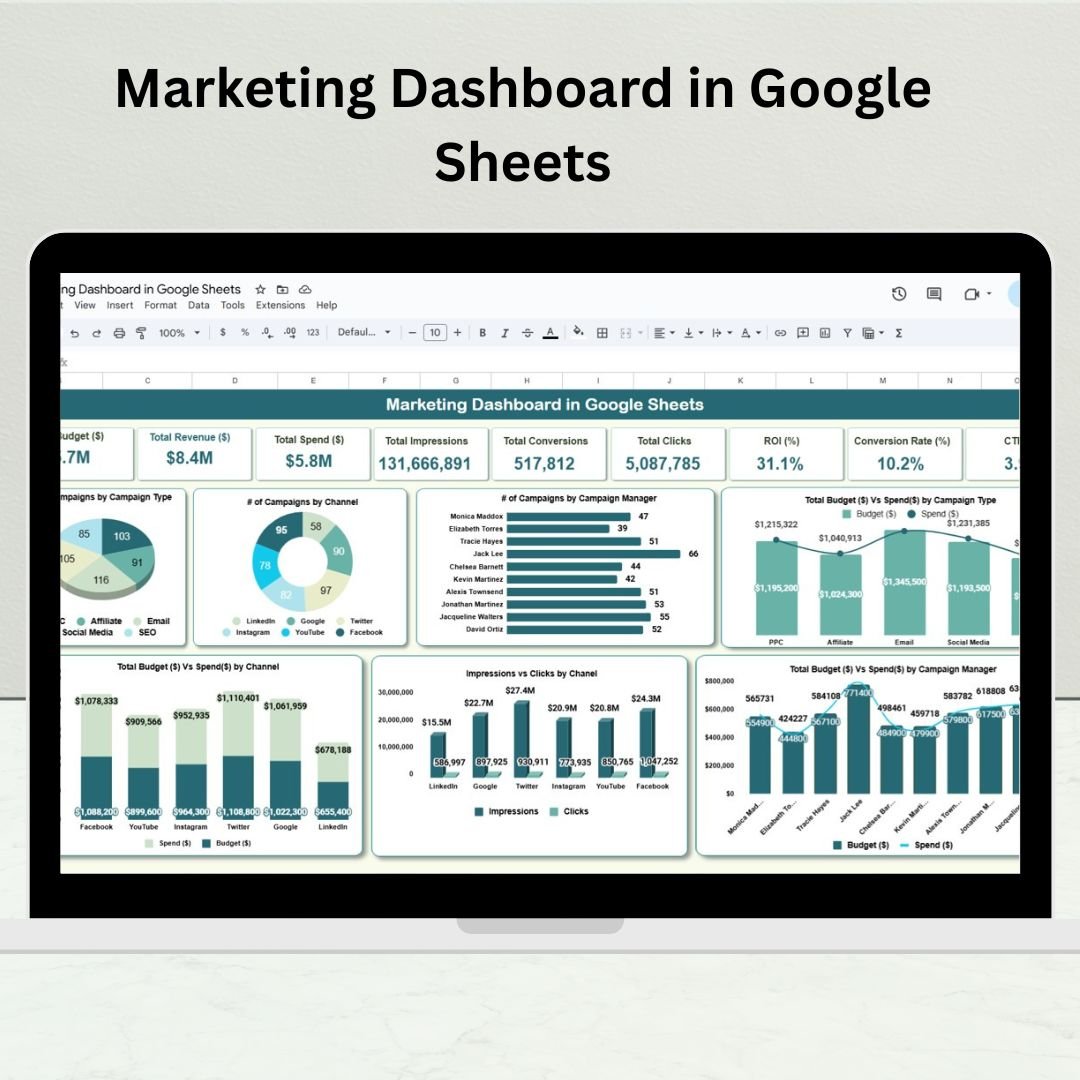
4. Marketing Dashboard in Google Sheets
A cloud marketing command center with a KPI overview, channel analysis, campaign priority view, marketer insights and location-based reports — every metric auto-calculated. View template →
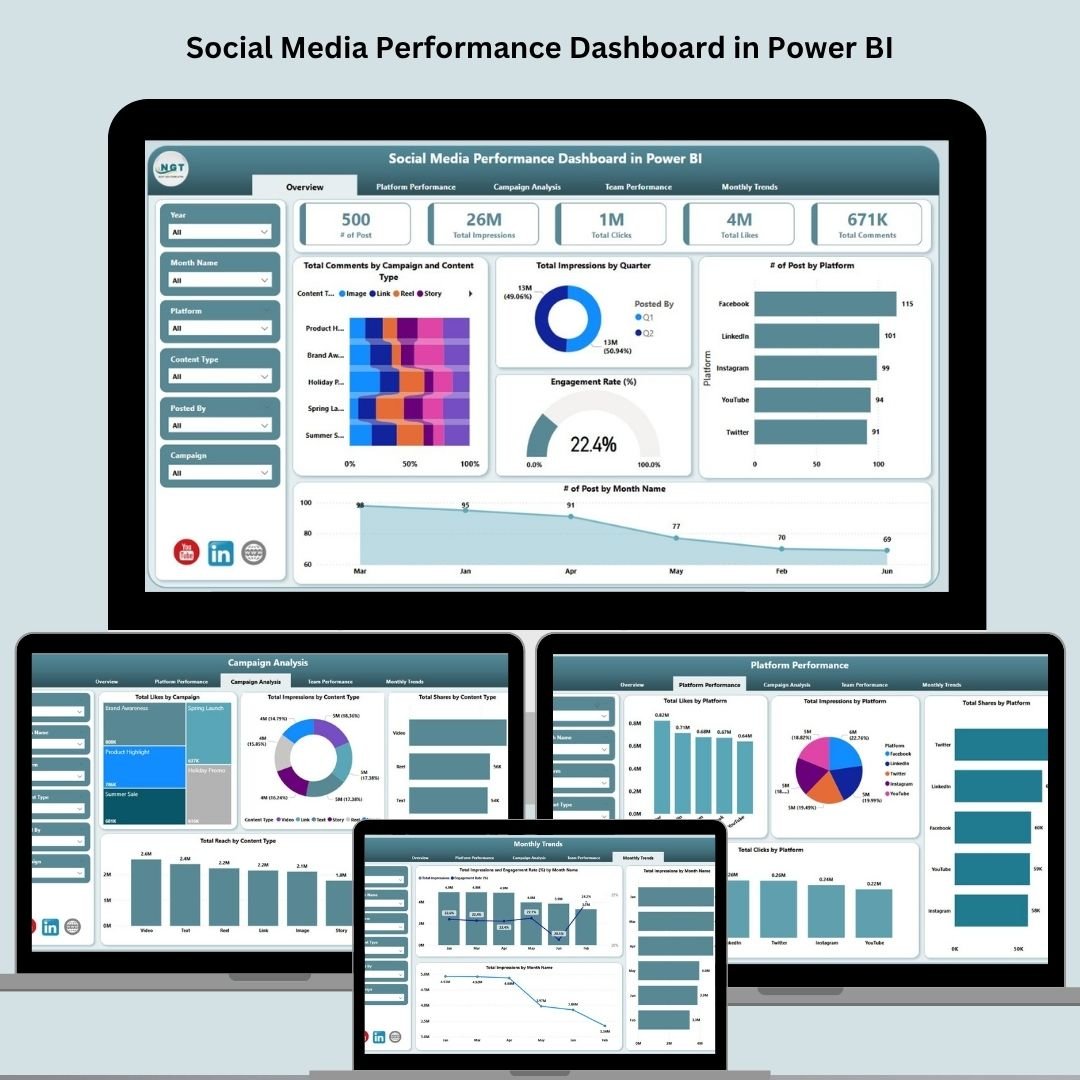
5. Social Media Performance Dashboard in Power BI
A five-page Power BI report with six slicers, KPI cards and fully interactive visuals to compare platforms, campaigns, content types and team contributions. View template →
6. Marketing Dashboard in Power BI
Five professionally designed pages with drillthrough, conditional formatting and dynamic slicers to track budget vs spend, conversions, revenue and ROI at every level. View template →

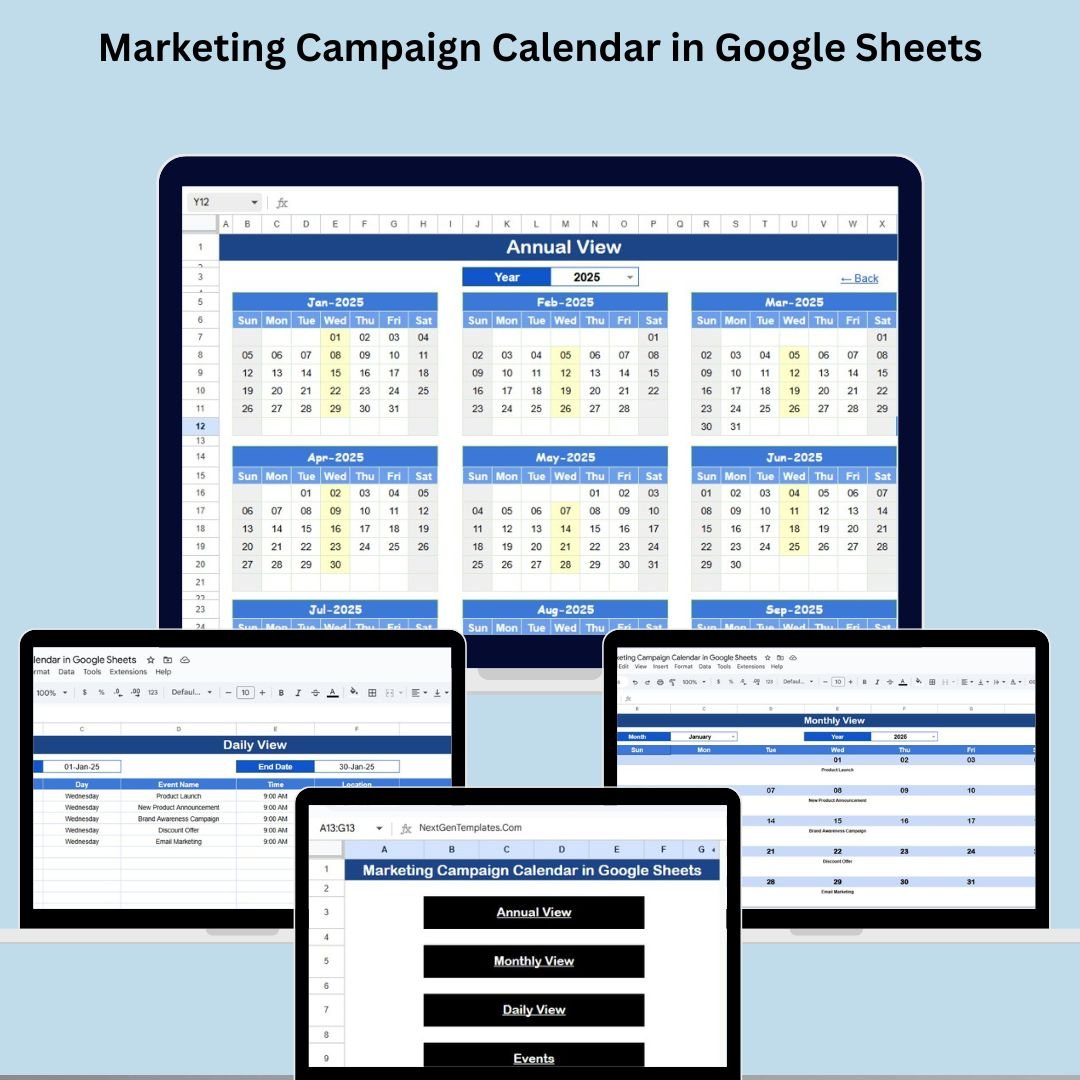
7. Marketing Campaign Calendar in Google Sheets
Plan every campaign with annual, monthly and daily views, a master event database, and a one-click home navigator so deadlines never slip through the cracks. View template →
Individual vs Bundle — The Savings
| Template | Platform | Price |
|---|---|---|
| Social Media Performance Dashboard | Google Sheets | $9.99 |
| Social Media Performance Dashboard | Excel | $17.99 |
| Marketing Dashboard | Excel | $17.99 |
| Marketing Dashboard | Google Sheets | $9.99 |
| Social Media Performance Dashboard | Power BI | $17.99 |
| Marketing Dashboard | Power BI | $17.99 |
| Marketing Campaign Calendar | Google Sheets | $4.99 |
| Total if bought individually | $84.93 | |
| Bundle Price | $49.99 | |
| You Save | $34.94 (41% OFF) | |
Key Advantages of the Bundle
Buying the kit instead of single templates gives you more than a discount. You get cross-platform flexibility — the same marketing data can live in Excel, Google Sheets or Power BI depending on who needs it. You get a complete reporting stack, from day-to-day social tracking to executive ROI summaries. And because every template is built to the same standard, the look and logic stay consistent across your whole reporting suite.
Best Practices for Getting the Most Out of It
Keep your data entry consistent — use the same platform, campaign and team-member names across templates so filters and slicers line up. Update weekly or monthly rather than all at once, so trends stay meaningful. Lean on the slicers to build audience-specific views (one for the social team, one for leadership). And use the Marketing Campaign Calendar to schedule reporting cadence alongside your campaigns so nothing is forgotten.
Explore More Templates
Looking for more? Browse our full dashboard templates, the sales and marketing collection, or all available premium templates on NextGenTemplates.com.
Frequently Asked Questions
What’s included in the Marketing and Social Media Analytics Kit?
Seven premium templates: Social Media Performance Dashboards (Google Sheets, Excel, Power BI), Marketing Dashboards (Excel, Google Sheets, Power BI), and a Marketing Campaign Calendar (Google Sheets).
How much do I save by buying the bundle?
The templates cost $84.93 individually. The bundle is $49.99, saving you $34.94 — about 41%.
Do I need special software?
You’ll need Microsoft Excel (2016 or later) for the Excel files, a free Google account for the Google Sheets templates, and Power BI Desktop (free) for the Power BI reports. No coding is required.
Is this a one-time purchase?
Yes. You pay once and get lifetime access to all seven templates — no subscriptions or recurring fees.
Can I customize the templates?
Absolutely. Every dashboard lets you adjust colors, fields, KPIs and branding to match your business.
Who is this kit best for?
Marketing managers, social media teams, digital agencies, performance marketers, and startup founders who want professional analytics without building from scratch.
🎥 Visit our YouTube channel for step-by-step video tutorials: Youtube.com/@PKAnExcelExpert