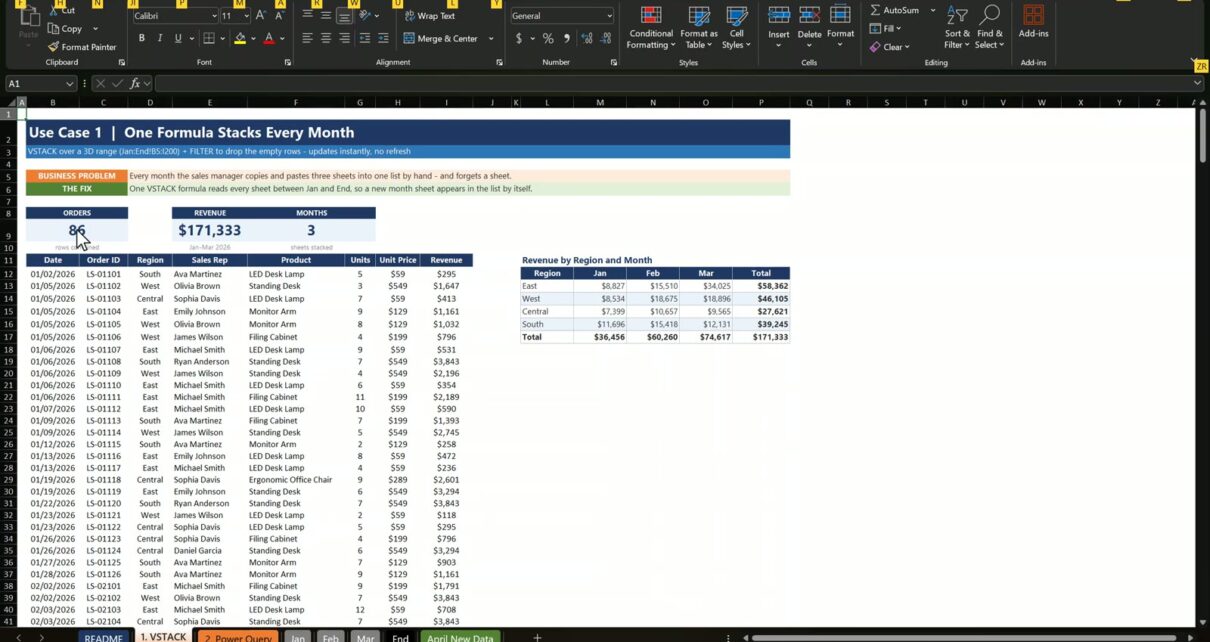
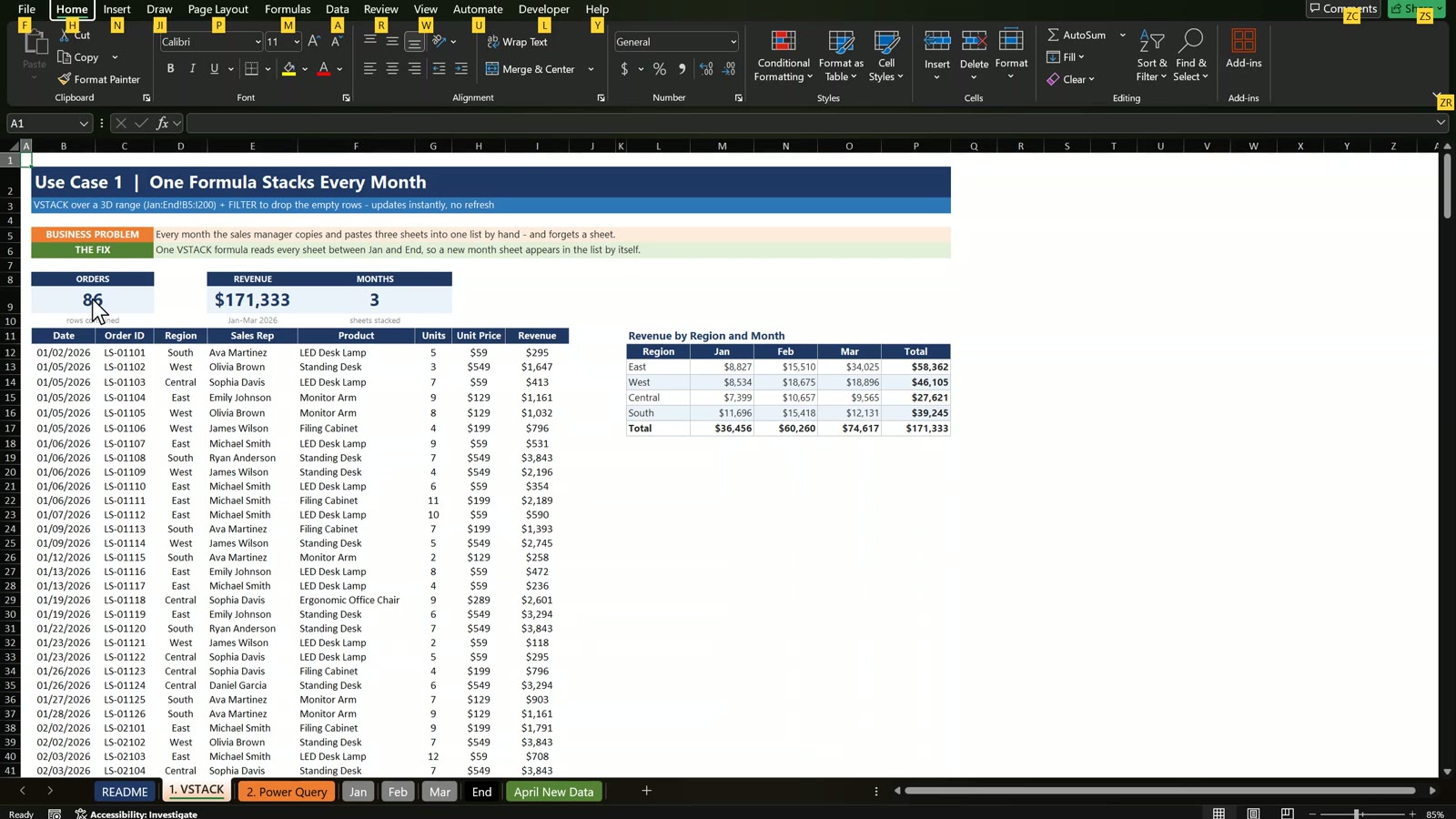
Every month the sales manager copies the month tabs into one list by hand, and one day a tab gets missed and the report is wrong. In this tutorial you combine monthly sales reports in Excel with two methods, a single VSTACK formula and Power Query, so the combined list builds itself. The example is Lone Star Office Supply in Dallas, Texas: three months of orders become one list of 86 orders and $171,333 in revenue, and when April arrives it becomes 116 orders and $238,455 without copying one row.
⬇️ Join Free on Skool & Download the Practice File
Free membership · takes 1 minute · the file is in Classroom → Free Downloads from YouTube on Next Gen Templates, and to learn formulas like these in depth join the Excel + AI Mastery: 100 Essential Formulas course.
Related Tutorials
- Billing System in Excel: Build an Invoice System Step by Step
- How to Make a Production Tracker in Excel
- Gantt Chart in Excel 2026 Step by Step
Frequently Asked Questions
How do I combine monthly sales reports in Excel into one list?
Use one VSTACK formula over a 3D range, for example =LET(all,VSTACK(Jan:End!B5:I200),FILTER(all,CHOOSECOLS(all,1)<>0)), or load every month table with Power Query. Both stack the sheets one under the other and update when you add a month.
What does the End sheet do in the VSTACK formula?
It is an empty bookend. A 3D reference reads every sheet between Jan and End, so any new month tab placed in front of End is included automatically. A sheet placed after End is ignored.
Why does VSTACK return rows of zeros?
The range B5:I200 is read on every sheet, and empty cells come back as 0, not blank. Wrap the result in FILTER and keep only the rows where the date column is not 0.
Why does SUMIFS give an error on the VSTACK result?
SUMIFS needs real cell ranges and does not accept an array made by CHOOSECOLS. Use SUM with the conditions multiplied inside it, or point SUMIFS at a Power Query table column.
Does Power Query refresh automatically?
Not by default. Click Data, Refresh All after adding a month, or open Query Properties and tick Refresh data when opening the file.
Why must the Power Query output table not start with tbl?
The query keeps every table whose name starts with tbl. If the output table also starts with tbl, the query reads its own result on the next refresh and every row appears twice. Name it PQ_AllSales.
Which is better, VSTACK or Power Query?
VSTACK is one formula and updates instantly, but needs Excel 365 or Excel 2024 and the same layout on every sheet. Power Query works in Excel 2016 and later, sets data types, cleans messy data and handles 100,000 rows or more, but needs a refresh.
Is the practice file free?
Yes. The zip has the Practice and Solution workbooks for a fictional office furniture business in Dallas, Texas. All names and numbers are example data.
Download the Free Practice Files
⬇️ Join Free on Skool & Download the Practice File
Free membership · takes 1 minute · the file is in Classroom → Free Downloads from YouTube
By PK, An Excel Expert. Lone Star Office Supply and all names and numbers are fictional example data for learning.
Conclusion
One VSTACK formula or one Power Query turns a pile of monthly tabs into a single list that updates when you add a month. Download the free files, build both methods along with the video and compare with the Solution file if you get stuck.