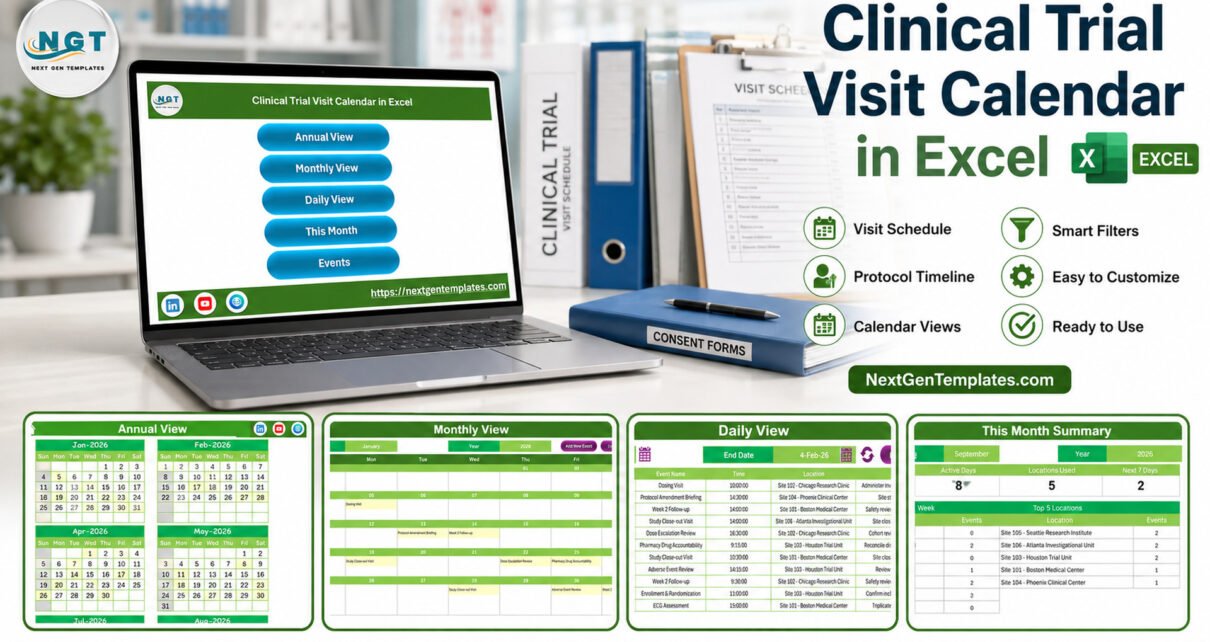
A research calendar becomes difficult to scan when important administrative dates are scattered across email, meeting notes, and separate files. The Clinical Trial Visit Calendar in Excel provides one visual planning workbook with 100 sample rows, seven worksheets, four date-focused views, and a configurable 12-month calendar. It helps operations staff organize non-sensitive planning dates, locations, and notes. It does not replace a CTMS, EDC, eSource, EHR, IRT, safety database, or any approved system of record.
Key Features of Clinical Trial Visit Calendar in Excel
The workbook combines a simple Events table with Annual, Monthly, Daily, and This Month views. This separation matters: a coordinator can maintain one schedule and review it at different levels without rebuilding the same list for every meeting.
- Seven worksheets covering navigation, calendar views, the schedule table, and settings.
- 100 demonstration entries that show how date, event, time, location, and description fields flow through the views.
- Year and month controls for annual and monthly planning.
- Date-range filtering for short operational review windows.
- Current-month summaries for event counts, active days, locations, next-seven-day items, weekday distribution, and top locations.
- Five color themes plus week-start and highlight choices.
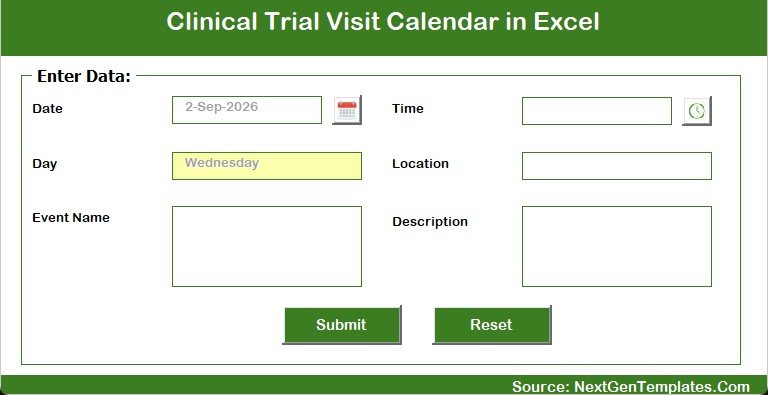
- Macro-enabled buttons and entry form for desktop Excel workflows.
These are scheduling and presentation features. They do not calculate protocol windows, assess compliance, determine visit eligibility, monitor safety, capture source data, or assign participants to treatments.
Calendar Sheets Explained
Home navigation
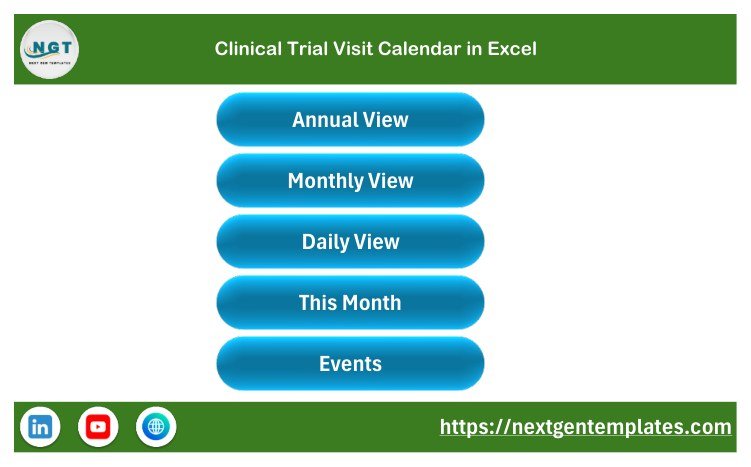
The Home sheet links to Annual View, Monthly View, Daily View, This Month, and Events. This makes the workbook approachable for occasional users who do not want to navigate sheet tabs manually.
Annual View
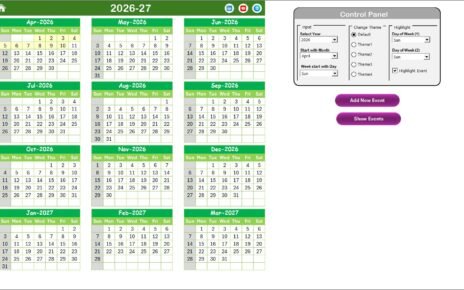
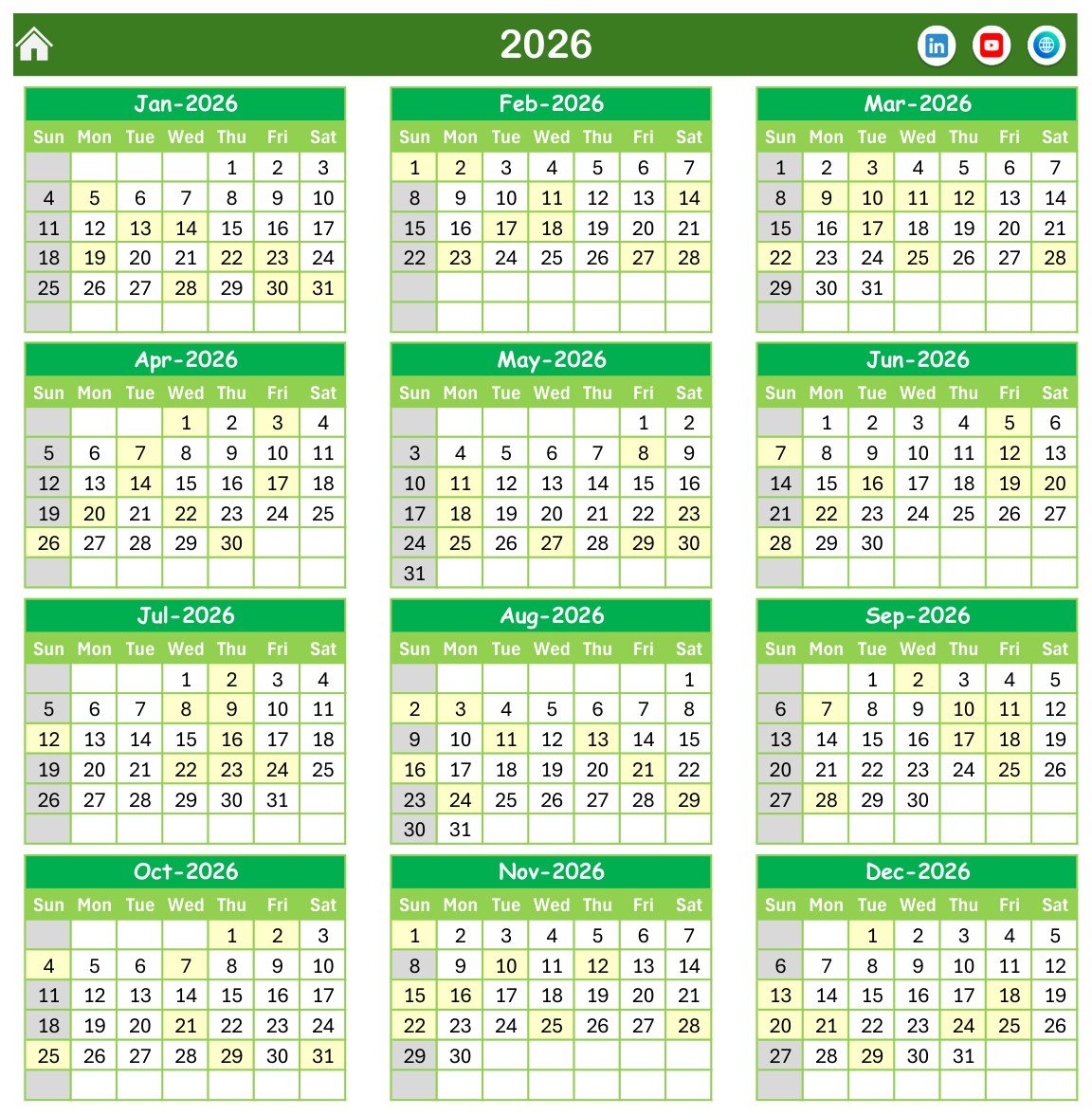
The Annual View shows all 12 months for the selected year. A settings panel controls the year, starting month, starting weekday, highlighted weekdays, event highlighting, and visual theme. Use it for broad workload awareness, not as evidence that an activity occurred.
Monthly View
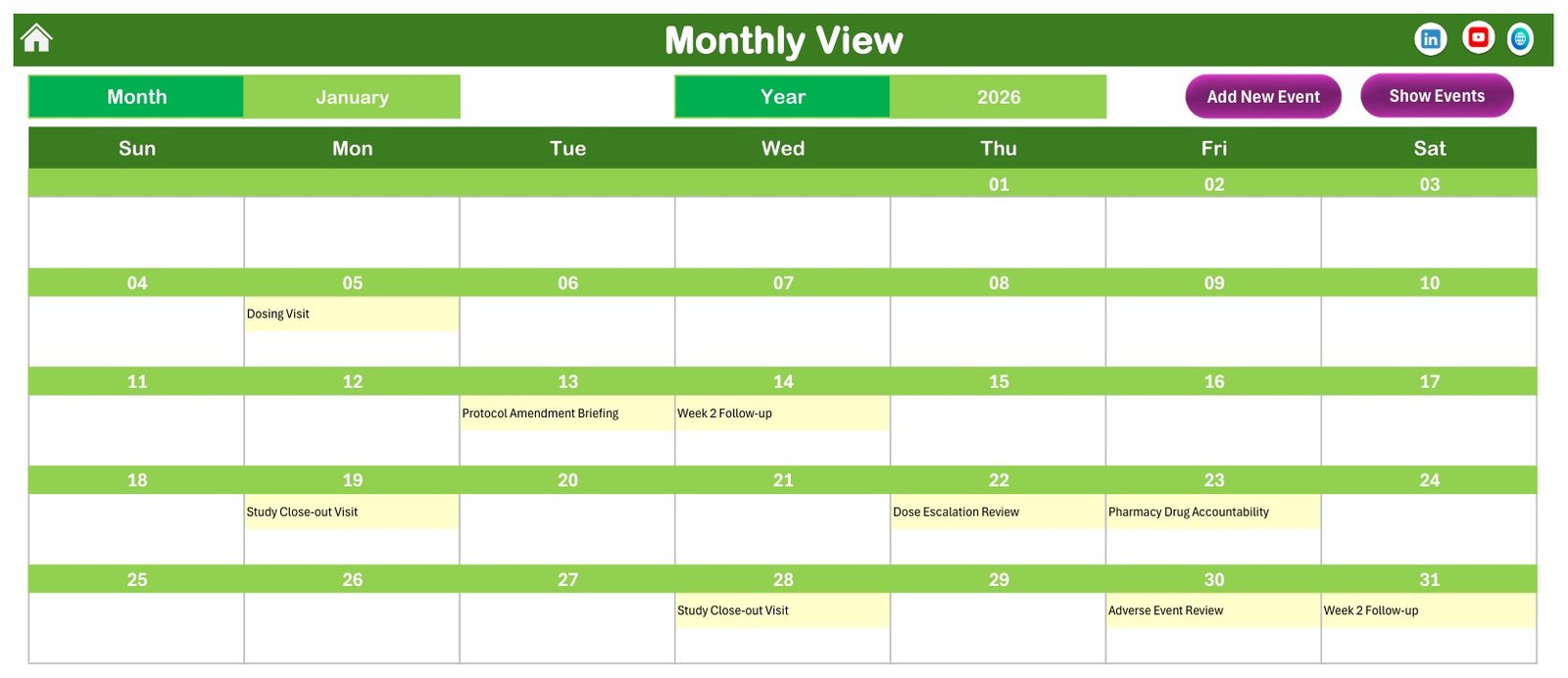
The Monthly View displays one selected month and places schedule labels on their dates. It is useful for planning calls and wall-screen reviews. A compact calendar cannot show every detail when dates are busy, so verify the Events table or Daily View before acting.
Daily View
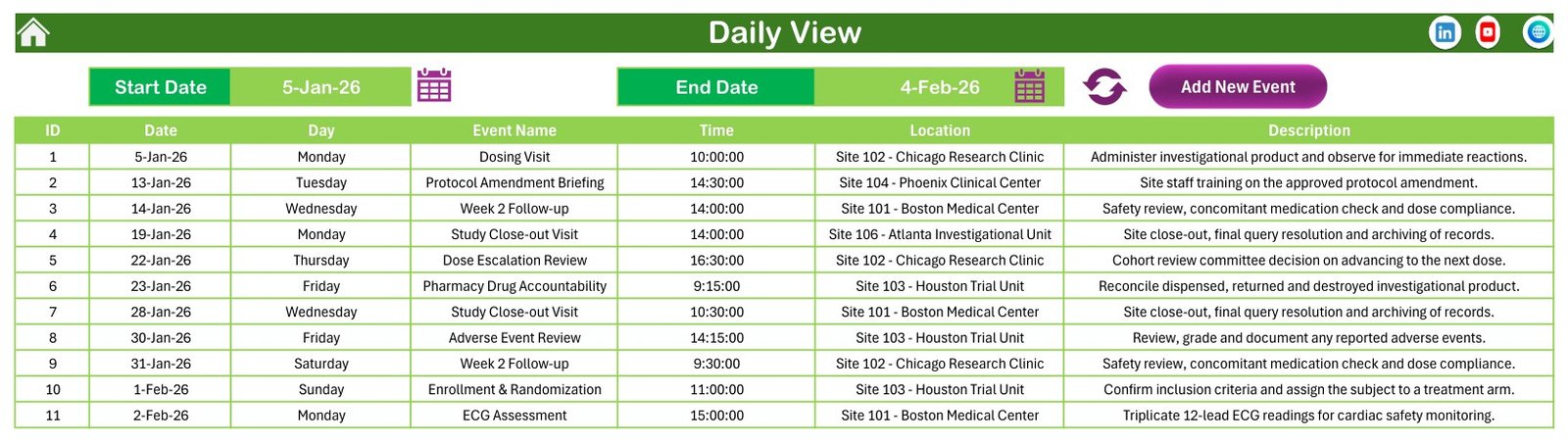
The Daily View accepts a start and end date, then returns the matching rows with ID, date, day, event name, time, location, and description. A coordinator can use this view to prepare a short planning window for a team discussion.
This Month summary
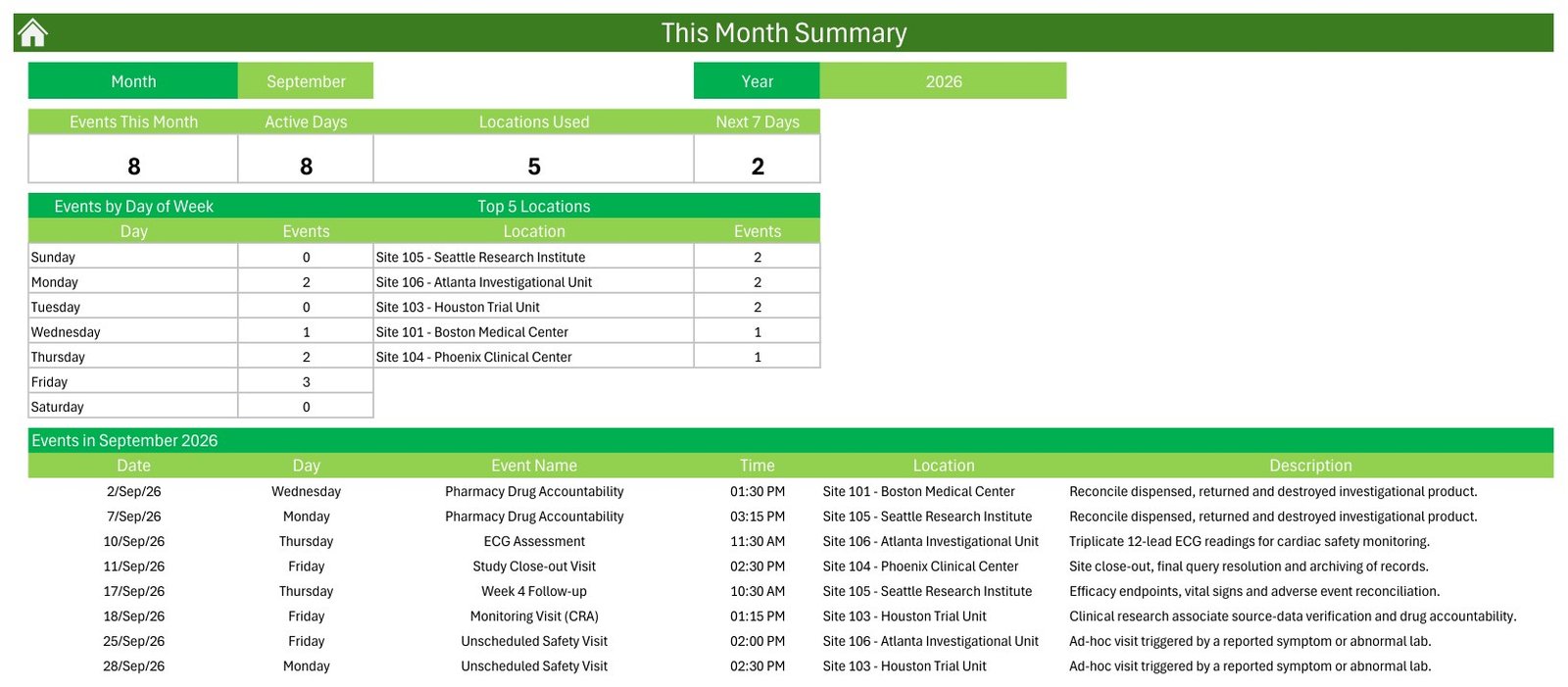
This Month displays the number of scheduled entries, active days, locations used, items in the next seven days, event distribution by weekday, and the most-used locations. The page is an administrative workload summary only. It is not a study-performance, enrollment, quality, safety, or compliance dashboard.
Events and Setting
The Events sheet contains the schedule table. Its seven columns are ID, Date, Day, Event Name, Time, Location, and Description. There is no dedicated participant name, participant ID, medical record number, contact detail, treatment assignment, clinical result, informed-consent record, electronic signature, audit trail, or adverse-event case field.
The supplied demonstration descriptions include clinical-trial-themed examples. They are sample text, not embedded clinical workflows or validated instructions. Buyers should replace them with organization-approved administrative wording and avoid sensitive or regulated data.

Clinical Trial Visit Calendar in Excel vs. Google Sheets vs. Paid CTMS – Feature Comparison
| Feature | Excel calendar | Google Sheets calendar | Paid CTMS |
|---|---|---|---|
| Typical role | Lightweight administrative planning | Shared lightweight planning | Controlled study operations |
| Commercial model | One-time template purchase | Platform/account dependent | Subscription and implementation |
| Offline access | Yes | Limited | Vendor dependent |
| Real-time collaboration | No native multi-user co-editing workflow | Yes | Usually role based |
| Custom fields | Editable spreadsheet | Editable spreadsheet | Configuration dependent |
| Protocol-window calculation | Not provided | Not provided by a generic calendar | May be available |
| Audit trail and electronic signatures | Not provided | Not provided by a generic calendar | Vendor/configuration dependent |
| Clinical data capture | Not provided | Not provided | Normally handled by EDC/eSource integrations |
| Year-one cost for five users | Template price plus existing Excel licenses | Workspace plan dependent | Vendor quote and implementation |
Who Should Use This Template
The template is best for research operations coordinators, project administrators, training coordinators, site-support teams, and other staff who need a visual layer for general planning dates. Examples include internal meetings, document-preparation deadlines, staff briefings, non-sensitive site visits, and generic milestone reminders.
Do not use it as the authoritative participant schedule, visit-window calculator, protocol-deviation log, consent record, source document, monitoring report, randomization tool, treatment-allocation tool, adverse-event system, pharmacy accountability system, or regulatory archive. Those tasks belong in approved processes and specialist platforms.
Real-World Use Cases
Weekly planning meeting
Maya, a research operations coordinator, filters the next 14 days and shares a non-sensitive list of internal deadlines during a weekly call. She verifies any governed milestones in the approved CTMS before the meeting.
Staff briefing calendar
Aisha, a training coordinator, schedules protocol-training meetings using generic team and site codes. Attendance evidence and controlled training records remain in the organization’s learning or quality system.
Administrative site-support plan
Daniel, a project administrator, uses the Annual View to see broad site-support dates across the year. He avoids participant details and confirms final dates with the appropriate owner and system of record.
Advantages of Clinical Trial Visit Calendar in Excel
The workbook is easy to understand because it uses familiar calendar and table patterns. Teams with Microsoft Excel can start without a separate software rollout, tailor the labels, keep an offline copy, and switch from an annual overview to a narrow date range. The one-time price is also predictable for a lightweight planning need.
Its simplicity is useful precisely when the requirement is modest. It provides visibility, not clinical workflow automation. Keeping that boundary clear prevents a flexible spreadsheet from being mistaken for a validated research platform.
Opportunities for Improvement
The workbook has no built-in reminders, email notifications, multi-user permissions, version-controlled audit trail, electronic signatures, protocol-window engine, conflict prevention, clinical integrations, mobile app, or regulatory controls. Macros are required for button-driven and form-based actions, which makes Excel for Windows desktop the practical environment.
The sample Events descriptions include clinical examples such as assessments and study activities. Replace those examples before use. Use short administrative labels, generic internal codes, and minimum-necessary information. If the schedule requires participant-level or regulated details, keep them in an approved system instead of extending this workbook.
Best Practices
- Define the boundary: document that the file is an administrative planning aid and identify the authoritative system for each governed activity.
- Minimize data: avoid names, medical details, contact information, treatment assignments, and other sensitive fields.
- Use codes carefully: if internal site or project codes are necessary, keep any identifying key separately with controlled access.
- Keep a clean backup: preserve an untouched copy before replacing demonstration rows.
- Control macros: enable them only after security review and use Microsoft guidance for macro security.
- Confirm dates: independently verify important dates and dependencies against the approved protocol, CTMS, document system, and accountable owner.
- Manage access: store the workbook only in an organization-approved location with appropriate permissions, retention, backups, and deletion rules.
Explore Relevant Templates
See the Lab Sample Collection Calendar in Excel for another healthcare-administration calendar walkthrough. The Ambulance Duty Calendar in Excel focuses on operational duty planning, while the Home Nursing Visit Calendar in Excel demonstrates a different visit-planning structure. Browse the Excel Calendar collection for more options.
Frequently Asked Questions
Is this a clinical trial management system?
No. It is an administrative Excel calendar and lacks CTMS governance, workflow, audit, and integration capabilities.
Can it calculate protocol visit windows?
No. Dates are planning entries; the workbook does not interpret a protocol or calculate allowable visit windows.
Can it store participant or patient data?
The Events table has no dedicated participant fields. Do not add sensitive or regulated data unless your organization has explicitly approved the workbook, storage location, access controls, and process.
Does it monitor safety or capture clinical data?
No. It does not collect measurements, assess adverse events, monitor safety, or capture source data.
Does it randomize subjects or allocate treatment?
No. It has no randomization or treatment-allocation functionality.
Are the sample descriptions instructions?
No. They are demonstration text showing how a schedule can look. Replace them with approved administrative wording.
Which Excel version should I use?
Use a modern Microsoft Excel for Windows desktop installation. Macros are needed for button and form actions.
Does it guarantee privacy, GCP, FDA, EMA, HIPAA, GDPR, or other compliance?
No. Compliance depends on the organization’s systems, procedures, configuration, controls, validation, training, and actual use.
About the Author
Built by PK – Microsoft Certified Professional with 15+ years of Excel, Google Sheets, and Power BI experience. Founder of NextGenTemplates, reaching 300K+ subscribers across YouTube channels. Every template is hand-built and tested before release.
Conclusion
The Clinical Trial Visit Calendar in Excel is a practical option for teams that need a simple, visual administrative schedule and understand its boundaries. It brings a 100-row sample table, annual and monthly calendars, date-range review, and a current-month summary into one macro-enabled workbook. Keep sensitive, clinical, safety, randomization, compliance, and regulated records in approved specialist systems.
View the Clinical Trial Visit Calendar in Excel on NextGenTemplates.
For more Excel tutorials, visit PK: An Excel Expert on YouTube.
Last updated: September 10, 2026.