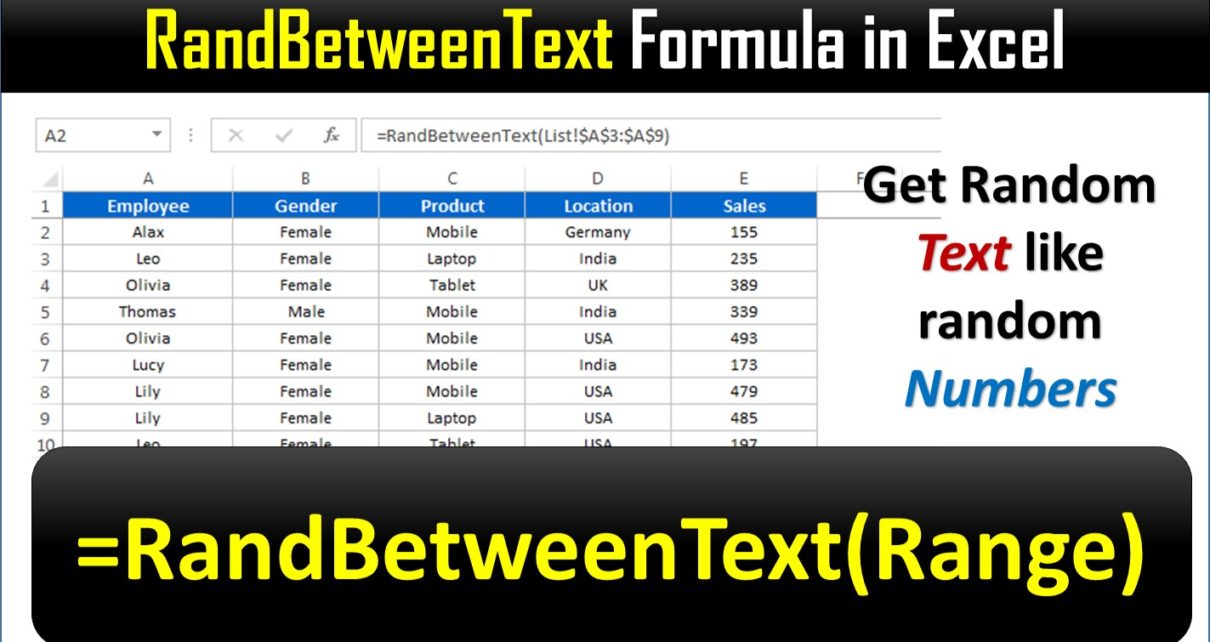
In this article, we have created a user defined function RandBetweenText Formula in Excel. This function returns random text from the selected range. You can use this function to distribute the text randomly or to create the dummy data set.
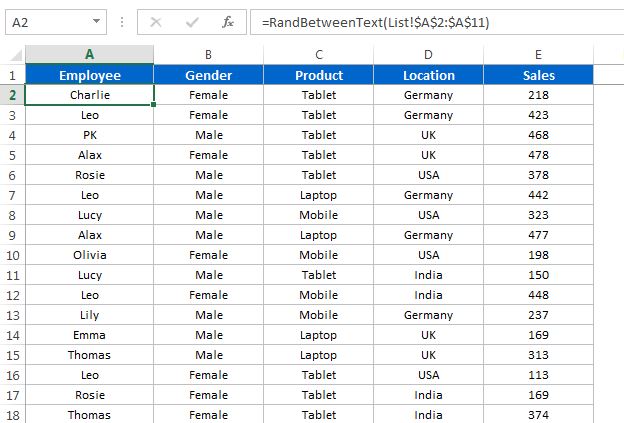
Here we have create a dummy data using RandBetweenText Formula –
Watch the step by step video tutorial:
Below is the VBA code for this UDF-
Option Explicit

Function RandBetweenText(Input_Value As Range) As String

Application.Volatile

Dim rng As Range
Dim Random_Values As String

For Each rng In Input_Value
  If Random_Values = "" Then
     Random_Values = rng.Value
  Else
     Random_Values = Random_Values & "," & rng.Value
  End If
Next

Dim arr As Variant
arr = Split(Random_Values, ",")

Dim n As Integer
n = UBound(arr)

RandBetweenText = arr(Application.WorksheetFunction.RandBetween(0, n))

End Function
Visit our YouTube channel to learn step-by-step video tutorials