Introduction
Team Performance Staff Duty Calendar In Excel is a comprehensive and user-friendly tool designed to help teams efficiently manage staff duties and events. This calendar template is ready to use and built within Microsoft Excel, combining the flexibility of a spreadsheet with the visual appeal of a calendar dashboard.
Click to Purchases Team Performance Staff Duty Calendar in Excel
Key Features of Team Performance Staff Duty Calendar In Excel
- Five interactive worksheets for different views: Home, Annual View, Monthly View, Daily View, and Events database.
- Customizable calendar views that allow easy navigation and event management.
- Control panel to dynamically select year, starting month, and day of the week.
- Theme selection with five color options to apply across the entire workbook.
- Highlighting functionality for weekends, weekdays, and events to increase clarity.
- Event management with options to Add New Event, Show Event details, Update, and Delete records.
- Auto-generated IDs and detailed event attributes including date, day, name, time, location, and description.
Dashboard Pages Explanation
Home Sheet Tab
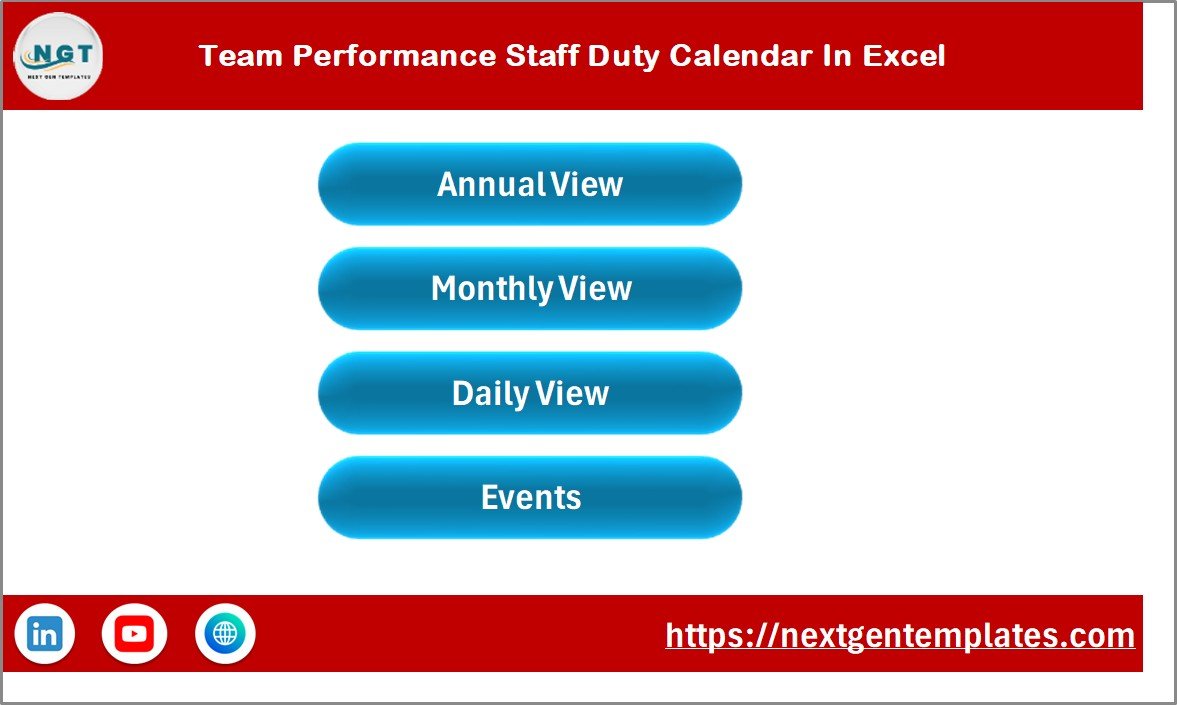
This is the index page featuring four buttons for quick navigation to different calendar views and the events database.
Team Performance Staff Duty Calendar In Excel
Annual View Sheet Tab
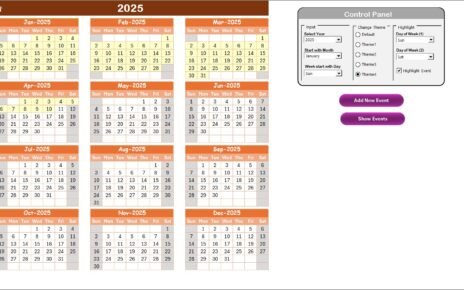
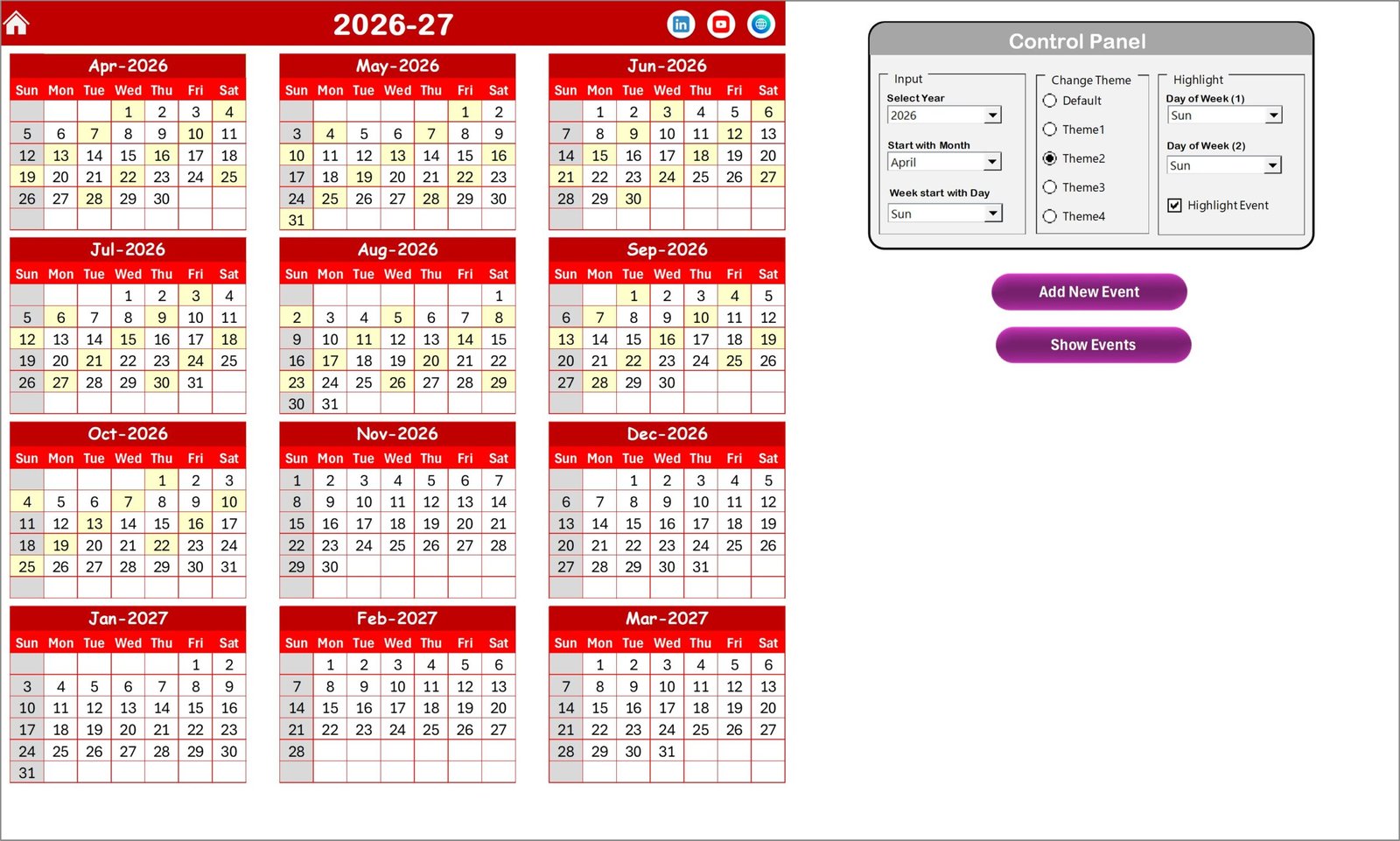
This page displays a full-year calendar with all 12 months arranged for easy overview.
Annual View Sheet tab
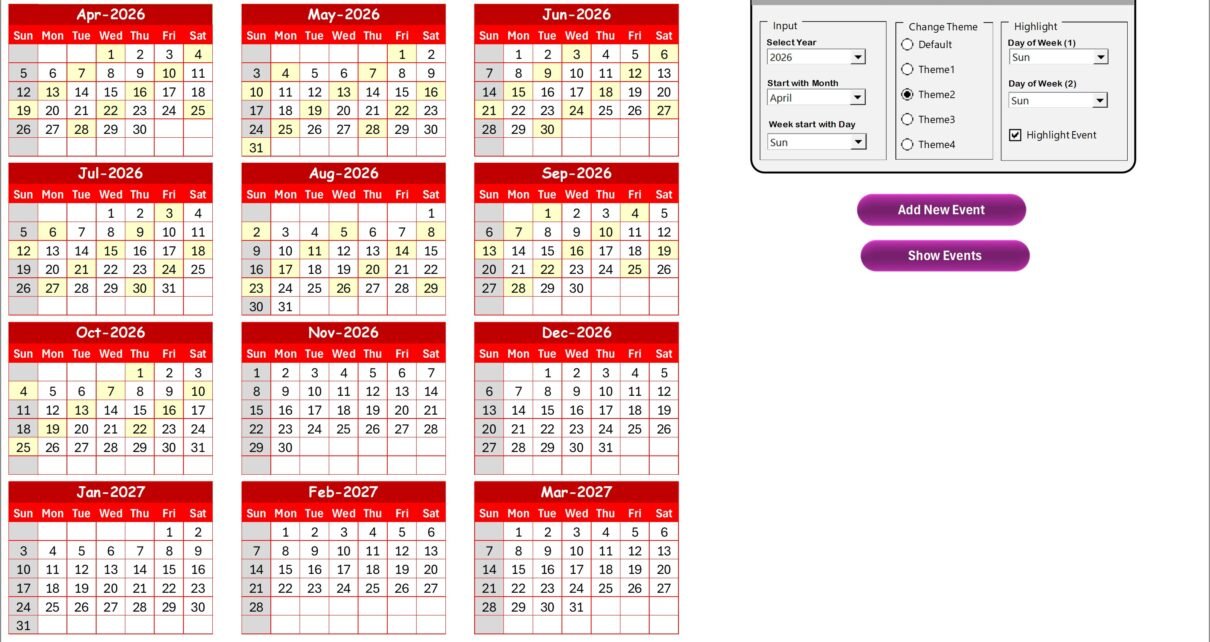
The control panel has three key groups:
- Input Group: Select year, starting month, and the starting day of the week to customize the calendar.
- Change Theme Group: Pick from 5 color themes that apply to the entire workbook.
- Highlight Group: Highlight specific days (e.g., weekends) and events for visual emphasis.
Buttons include:
- Add New Event: Add events by selecting a date and filling a simple form.
- Show Event: View the list of events tied to a selected date.
Monthly View Sheet Tab
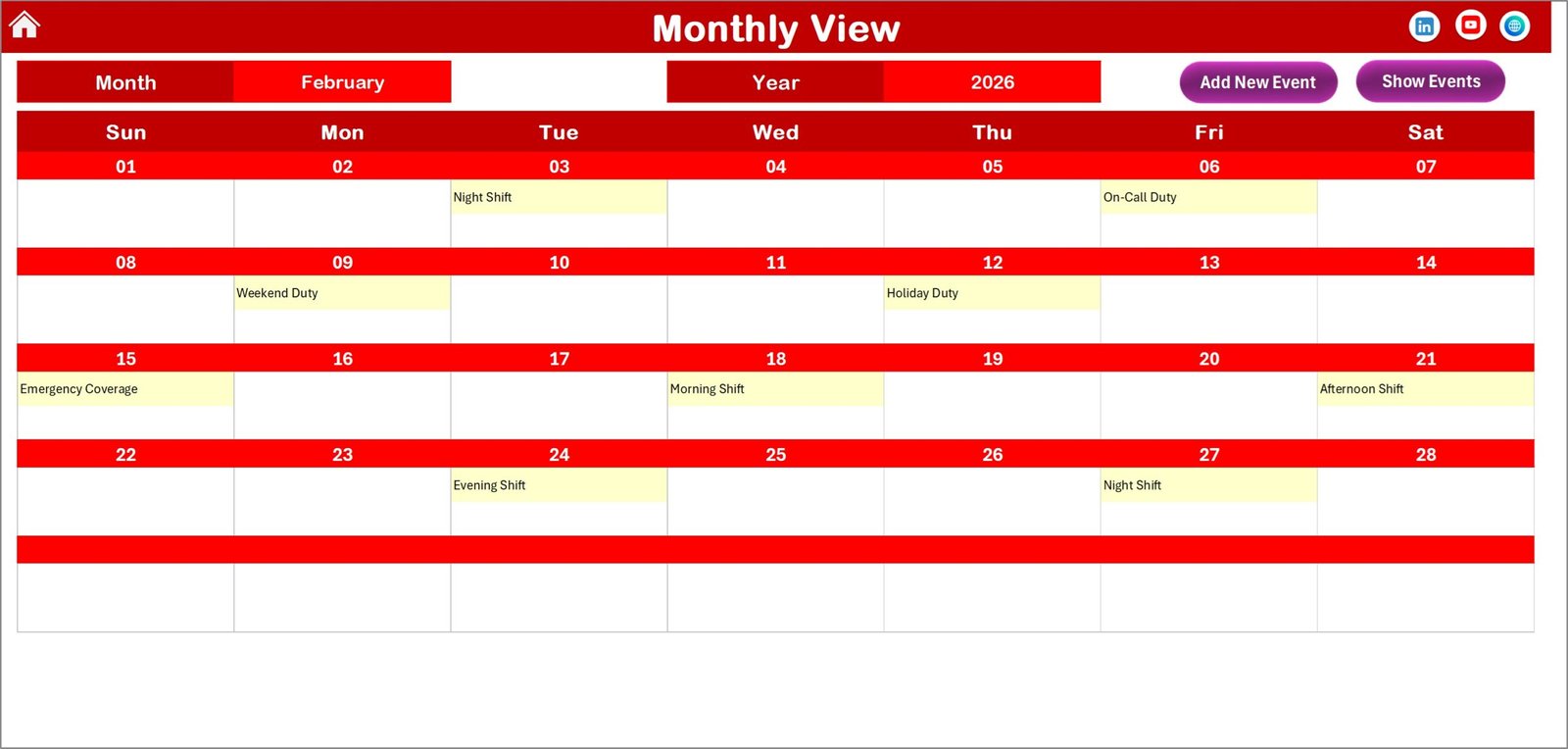
This sheet offers a detailed view of a selected month and year, displaying all day events right on the calendar.
Monthly View Sheet tab
Top buttons include:
- Add New Event: Insert new events for selected dates quickly.
- Show Event: Display event details for a selected date.
Daily View Sheet Tab
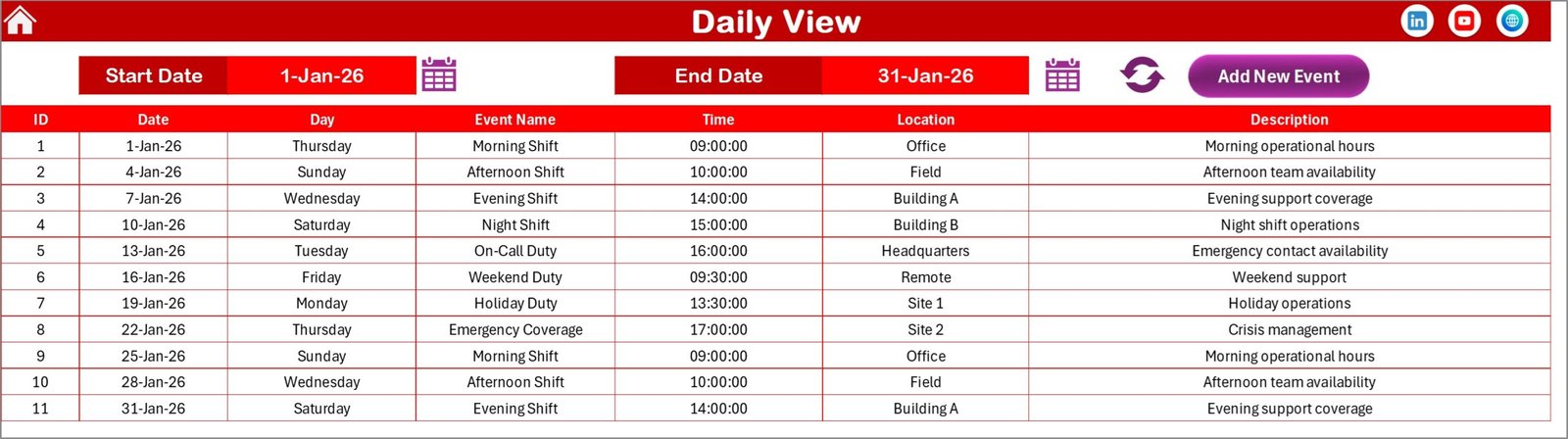
Here you can review a list of events with full details across a chosen date range.
Daily View Sheet tab
- Pick ‘Start date’ and ‘End date’ using calendar icons.
- Click ‘Refresh’ to update the event list within the date range.
- Add New Event: Button allows adding events easily for precise daily management.
Events Sheet Tab
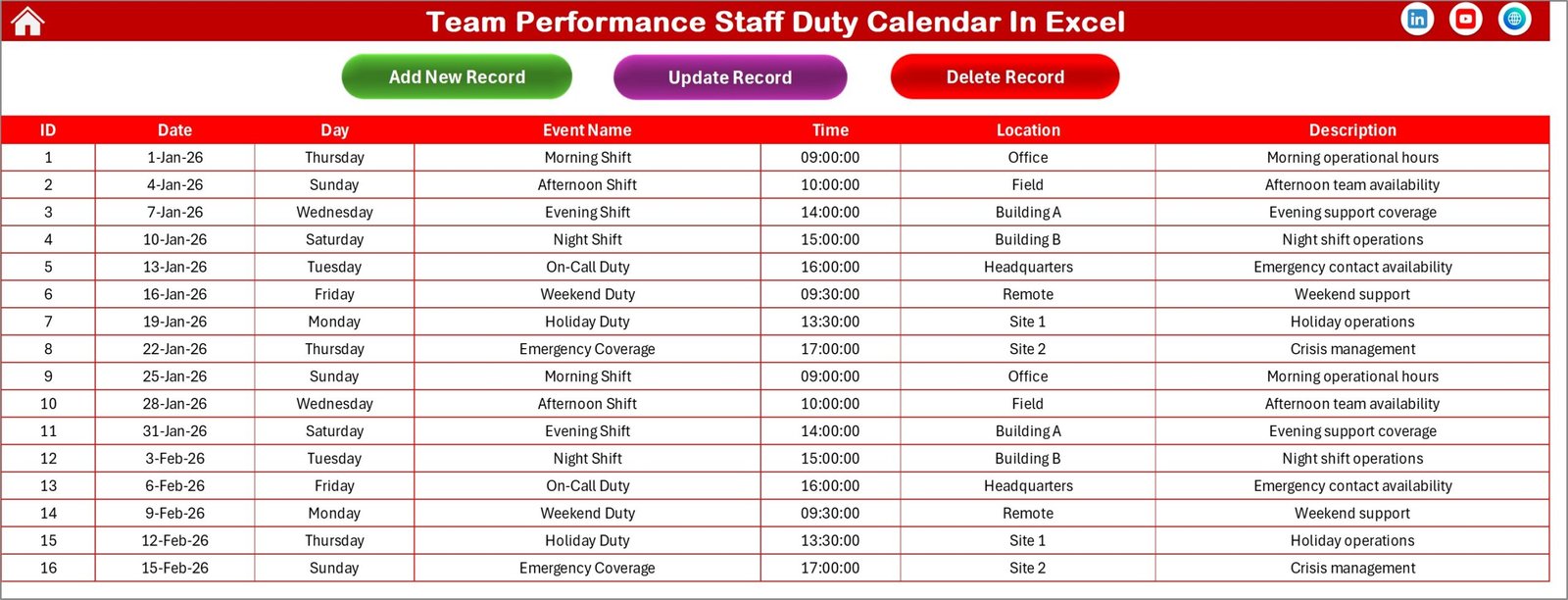
This sheet serves as the underlying event database capturing all event details:
Events Sheet tab
- ID: Auto-generated unique number.
- Date: Date of event.
- Day: Name of the day, such as Sunday, Monday.
- Event Name: Title or name of the event.
- Time: Scheduled time of the event.
- Location: Venue or place of the event.
- Description: Brief description of the event.
Top buttons include:
- Add New Record: Opens a form to input and save new events.
- Update Existing Record: Modify event details by selecting ID and submitting changes.
- Delete Record: Remove an event by selecting its ID.
Advantages of Team Performance Staff Duty Calendar In Excel
- Easy to customize without needing advanced software knowledge.
- Centralized calendar and event management simplifying team coordination.
- Multiple views support both big-picture and detailed planning.
- Dynamic themes improve readability and personalization.
- Event add, update, and delete functionalities maintain accurate scheduling.
- Excel compatibility ensures it’s accessible and integrable with other office tools.
Opportunities for Improvement
- Integrating automation to send reminders for upcoming events.
- Adding collaborative features for real-time updates among team members.
- Include export options to PDF or calendar apps like Outlook or Google Calendar.
- Implement filtering by event type or staff for better management.
Best Practices
- Regularly update the Events Sheet to keep data accurate and reliable.
- Use theme options consistently to maintain visual coherence across all sheets.
- Utilize the highlight group to mark weekends or special days for quick identification.
- Back up the Excel file periodically to avoid accidental data loss.
- Train staff on how to add, update, and view events for smooth collaboration.
FAQs
Can I use this template for multiple teams?
Yes, you can customize the Events Sheet and calendars to categorize events by team or department.
Is it compatible with all Excel versions?
This template is best used with Excel 2016 and later for full feature support.
Can I link this calendar to Outlook?
Currently, direct syncing is not available but exporting the Events Sheet is possible for import.
How do I restore a deleted event?
Keep regular backups as deletion cannot be undone within the workbook.
Conclusion
The Team Performance Staff Duty Calendar In Excel is a versatile, visually appealing, and powerful template to streamline staff and event management duties. Its multiple views, easy event handling features, and customizable themes make it an excellent tool for teams seeking better coordination without complex software investments.
Click to Purchases Team Performance Staff Duty Calendar in Excel
For detailed Microsoft Excel documentation and tips, visit Microsoft Excel Support.
Visit our YouTube channel to watch the demo.