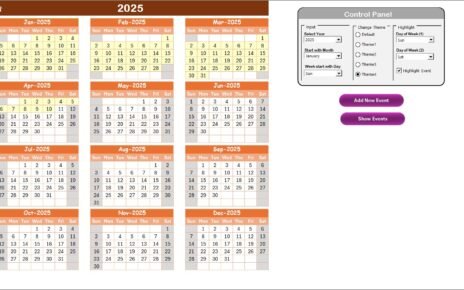
Excel VBA systems can turn a familiar workbook into a structured business application with login screens, guided forms, automated calculations, searchable records, and one-click reports. Microsoft documents a worksheet capacity of 1,048,576 rows by 16,384 columns, but capacity alone does not make an application production-ready. The real difference is controlled data entry, repeatable workflows, security, reporting, and maintainable master data.
This guide compares six paid Excel VBA apps built for real operating workflows: inventory, restaurant management, manufacturing production, interview scheduling, insurance enrollment, and hospital administration. Each runs inside desktop Excel and replaces a loose collection of sheets with a form-driven system. All six are currently listed at a $19.99 sale price, making them practical options for small teams that need more control without committing to a recurring SaaS subscription.
Key Features of Production-Grade Excel VBA Systems
A production-grade Excel application should guide the user through a process, not merely display a formatted table. The six systems reviewed here share the features that matter most in day-to-day work:
- Secure entry: login screens and role-based access reduce casual changes to sensitive records.
- Guided UserForms: structured add, update, delete, search, and filter actions keep users away from raw data sheets.
- Connected modules: master data feeds operational transactions, which then feed reports.
- Validation and automation: dropdowns, calculated fields, status logic, and automated stock or balance updates reduce repetitive work.
- Reporting: date filters and Excel or PDF exports turn stored records into usable management information.
- Offline ownership: the files run locally in Excel, with no mandatory monthly platform fee.
Inside the Six Excel VBA Apps
| Excel VBA app | Core workflow | Best for | Current sale price |
|---|---|---|---|
| Inventory Management System V3.0 | Purchases, sales, stock, reorder alerts | Retailers, stores, distributors | $19.99 |
| Restaurant Management System V2.0 | Orders, tables, menu, inventory, expenses | Restaurants, cafés, food businesses | $19.99 |
| Manufacturing Production Management V1.0 | Production, machines, materials, QC | Small factories and workshops | $19.99 |
| Interview Scheduling Management V1.0 | Candidates, jobs, interviews, hiring reports | Recruiters and HR teams | $19.99 |
| Insurance Enrollment Management V1.0 | Employees, plans, providers, dependents | HR benefits and insurance admins | $19.99 |
| Hospital Management System V1.0 | Patients, billing, payments, stock, purchases | Clinics and small healthcare facilities | $19.99 |
1. Inventory Management System V3.0
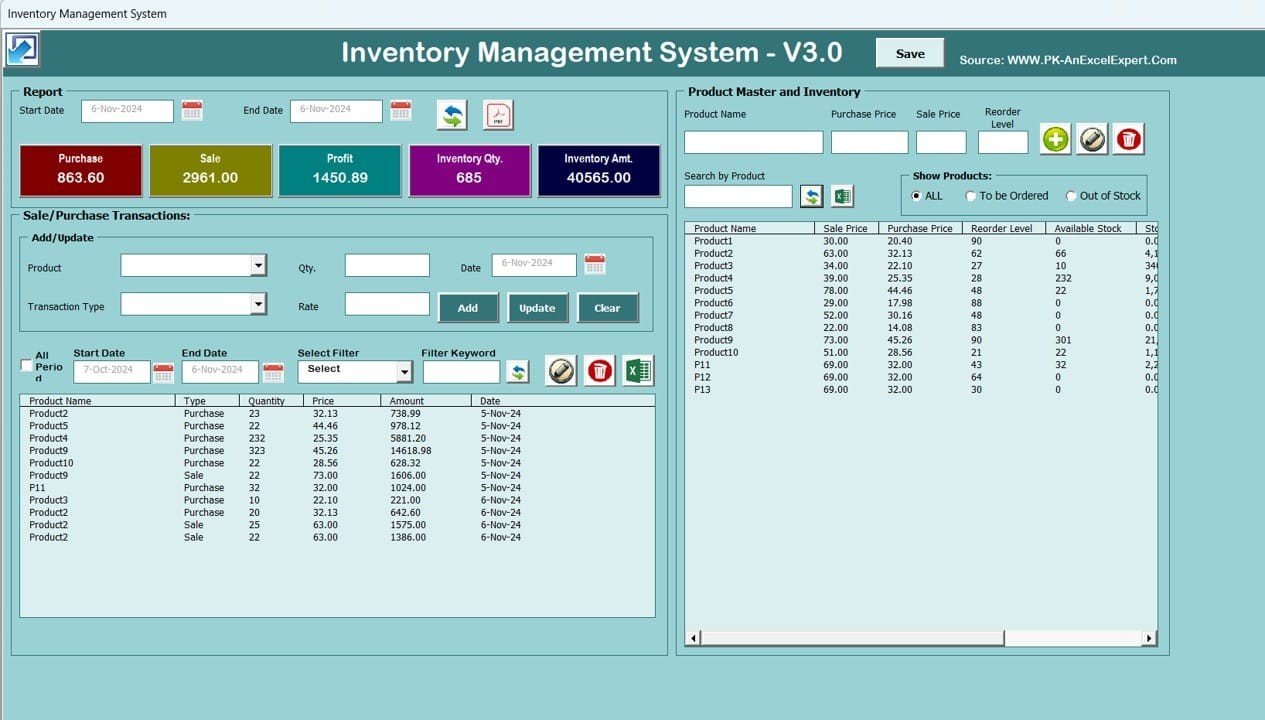
The Inventory Management System V3.0 connects product masters, purchases, sales, stock balances, reorder levels, transaction history, profit tracking, and date-filtered reports. Every purchase adds stock and every sale deducts it automatically. It is a strong fit for a store manager who wants a controlled stock workflow without asking staff to edit formulas.
2. Restaurant Management System V2.0 in Excel VBA
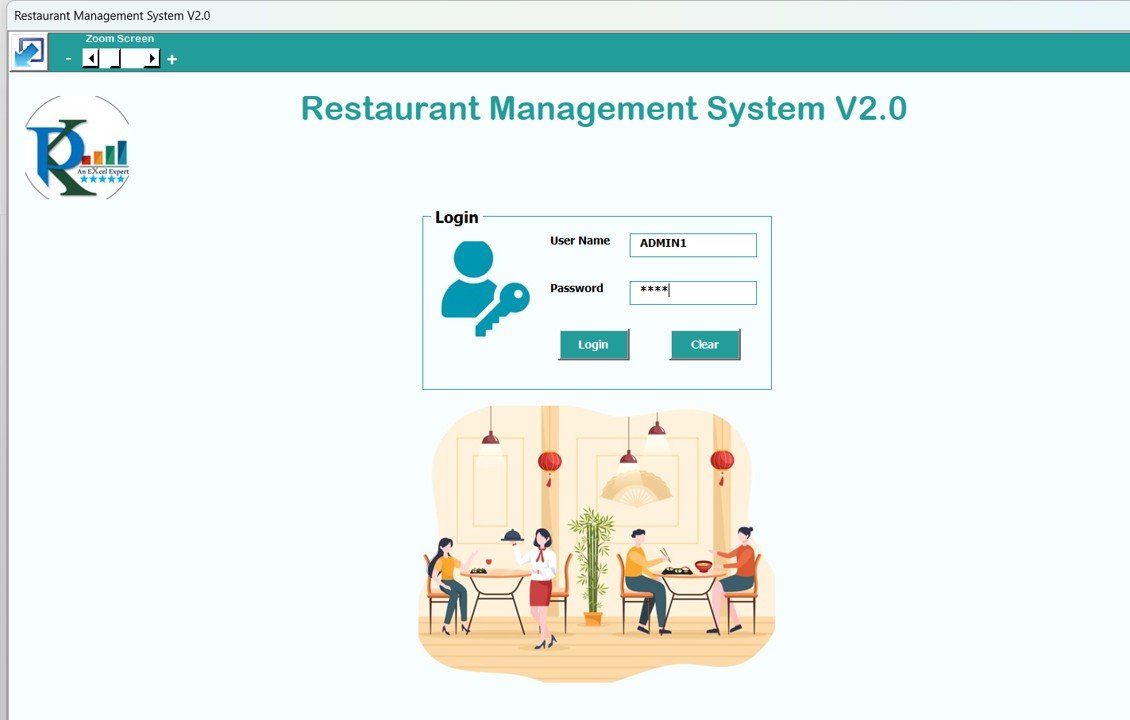
The Restaurant Management System V2.0 brings orders, menu items, tables, reservations, suppliers, inventory, staff, expenses, and reports into one Excel application. Role-based login and guided forms help a café owner or restaurant administrator keep daily records consistent while maintaining a clear view of orders and costs.
Explore the Restaurant VBA App
3. Manufacturing Production Management System V1.0
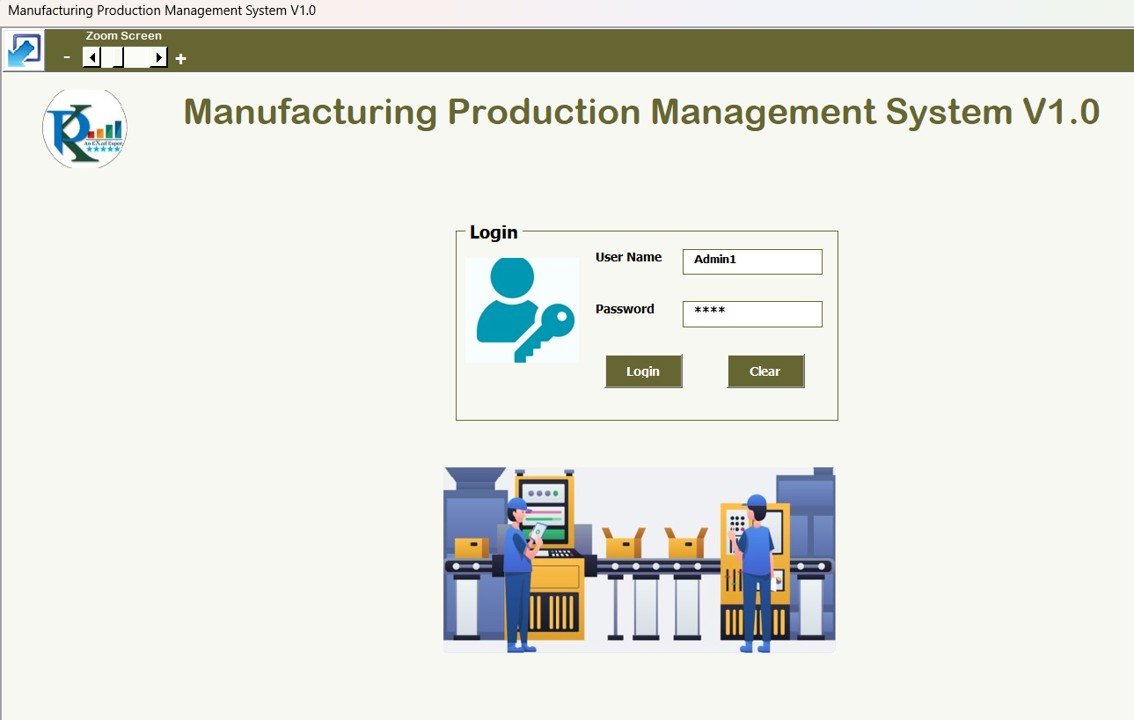
The Manufacturing Production Management System V1.0 is the closest of the six to a mini-ERP. Its connected modules cover production orders, machines, raw materials, suppliers, employees, purchases, expenses, inventory, quality control, users, and reports. A production planner can enter master data once, then link it to daily orders and QC records instead of maintaining separate files.
See the Manufacturing VBA System
4. Interview Scheduling Management System V1.0
The Interview Scheduling Management System V1.0 centralizes candidates, job records, interview schedules, hiring activity, reports, and user access. It is designed for an HR coordinator who has outgrown email-and-calendar tracking but does not need a full applicant tracking subscription. Filters, structured forms, and exports make shortlisting and schedule review easier to manage.
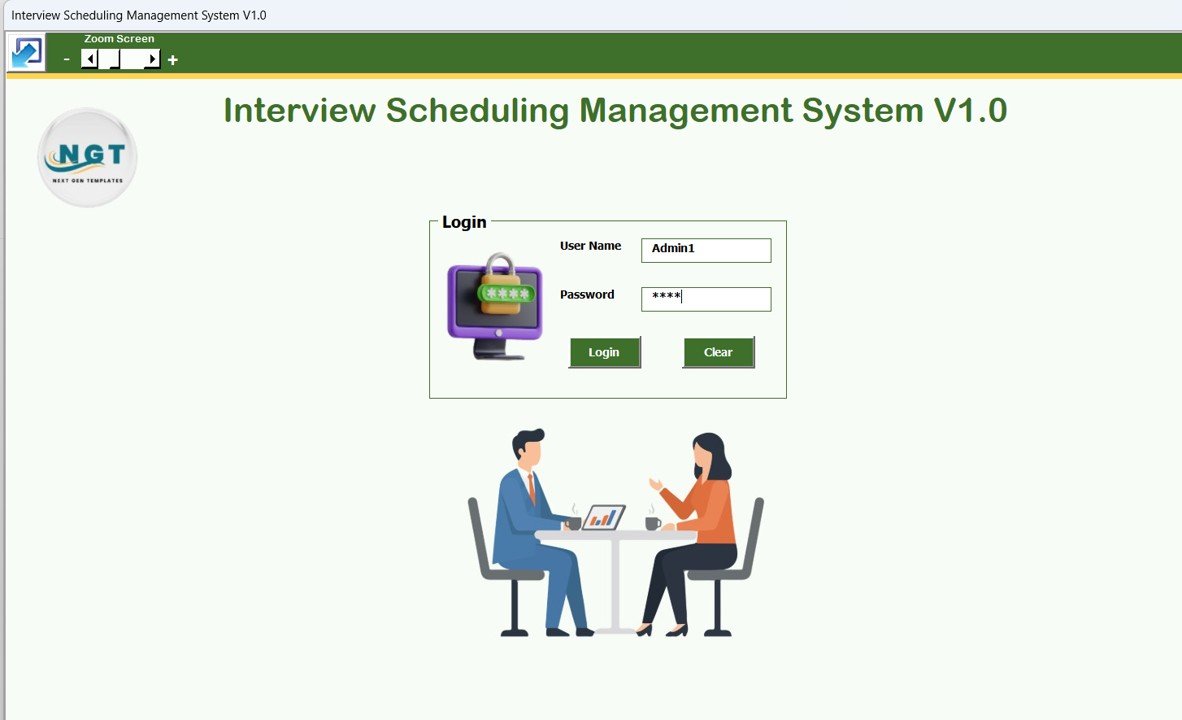
View the Interview Scheduling Tool
5. Insurance Enrollment Management System V1.0
The Insurance Enrollment Management System V1.0 links employee records with plan masters, providers, coverage selections, dependent details, user permissions, record history, and exportable reports. Benefits administrators can replace disconnected enrollment lists with one structured workflow while retaining local control of the workbook.
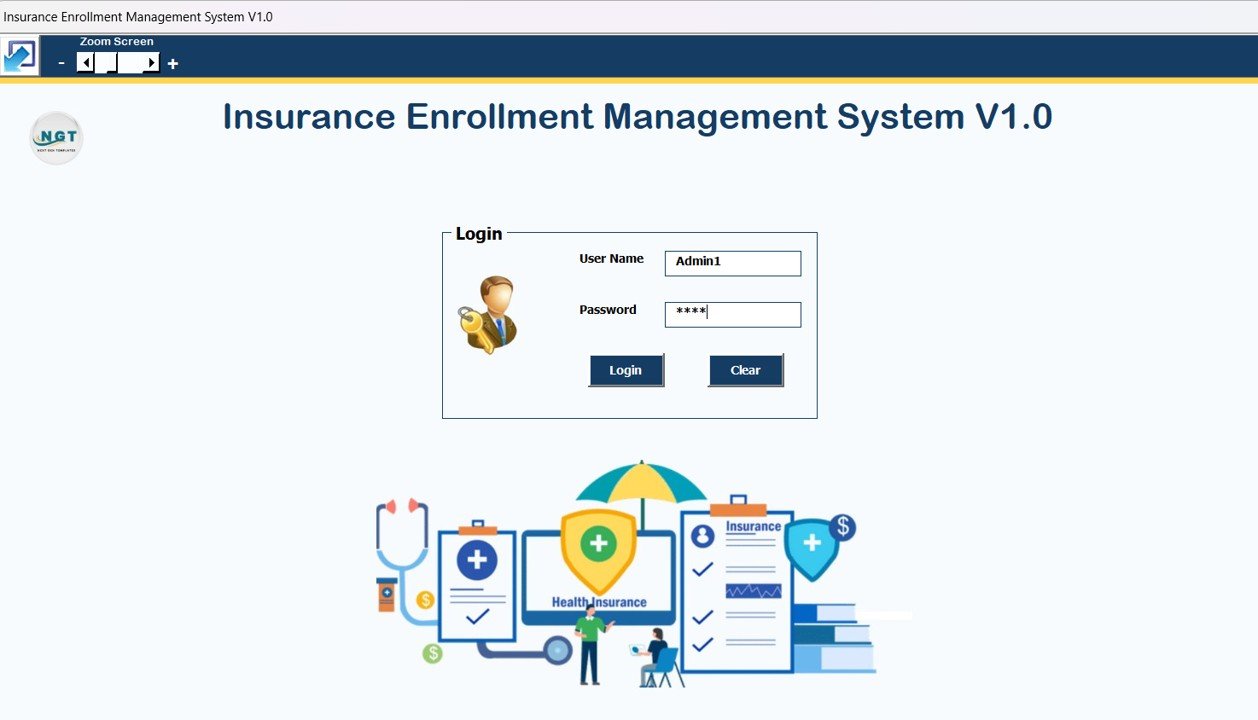
Explore the Insurance Enrollment App
6. Hospital Management System V1.0
The Hospital Management System V1.0 combines patient details, appointments, doctor assignments, billing, payments, medicine stock, medical kits, purchases, audit history, and reports. It gives a clinic administrator a connected operational view without forcing clinical and financial records into unrelated worksheets.

View the Hospital Management System
Excel VBA Systems vs. Google Sheets vs. Paid SaaS – Feature Comparison
| Decision factor | Excel VBA system | Google Sheets app | Paid SaaS/ERP |
|---|---|---|---|
| Cost model | One-time template purchase | Template plus Google account | Usually recurring subscription |
| Platform | Desktop Excel with macros enabled | Browser and mobile | Browser, desktop, and/or mobile |
| Offline use | Strong | Limited | Varies |
| Real-time collaboration | Limited for macro-driven files | Strong | Strong |
| Customization | Workbook, forms, and VBA can be adapted | Sheets and Apps Script can be adapted | Usually configuration-based |
| Setup effort | Low after master-data preparation | Low to moderate | Moderate to high |
| Best fit | Small teams and controlled desktop workflows | Distributed teams needing live sharing | Larger multi-user and integrated operations |
Who Should Use These Excel VBA Systems
These tools suit owner-managed businesses, department administrators, analysts, and operations teams that already use desktop Excel and have one primary process owner. They are particularly useful when the current method is a manual register, an unstructured workbook, or several files that must be reconciled each week.
They are not the right fit for organizations that require dozens of simultaneous users, browser-only access, mobile-first data entry, complex API integrations, or enterprise identity controls. Microsoft confirms that VBA macros cannot be created, run, or edited in Excel for the web; users need the desktop application for the automated experience.
Real-World Use Cases
- Priya, a retail operations manager: records daily purchases and sales, then reviews low-stock items before placing supplier orders.
- Arun, a production planner: connects machines, materials, production orders, and QC outcomes in one weekly factory review.
- Maya, an HR coordinator: manages candidate interviews and insurance enrollments through validated forms and exports filtered reports for management.
- Daniel, a clinic administrator: keeps patient, billing, payment, purchase, and medicine-stock records connected without adopting a full hospital ERP.
Advantages of an Excel VBA System
The strongest advantage is the balance between familiarity and control. Users remain in Excel, but the interface behaves more like software: forms replace direct cell editing, buttons trigger repeatable actions, and reports are generated from structured records. A one-time purchase also gives small teams a predictable entry cost and local ownership of their files.
Opportunities for Improvement
Every desktop VBA tool has boundaries. Plan for daily backups, a named process owner, tested restore procedures, and careful change control. If the team grows, consider adding a shared database, Power BI reporting, barcode input, or a web front end. Mac users should test critical forms before rollout, and browser-only teams should choose a Google Sheets or web-app alternative.
Best Practices
- Download and unzip the file, then open it in desktop Microsoft Excel.
- Enable macros only after confirming the file came from the trusted purchase source.
- Change default credentials before entering real business data.
- Set up product, employee, machine, plan, provider, supplier, or menu masters before transactions.
- Assign one owner for master-data changes and document who can update operational records.
- Back up the workbook daily and test a restore before the system becomes business-critical.
Explore Relevant Templates
Best-value bundle: the Excel VBA Tools & Utilities Pack includes eight premium Excel VBA templates spanning inventory, orders, invoicing, hospital operations, leave, PDF conversion, and project management. It is the strongest choice when you need several operational tools rather than one specialized system.
For teams that need analysis rather than a form-driven app, compare the Smart Parking Systems KPI Dashboard in Excel. For event participation, the Attendance Tracking System for Events and Meetings in Excel offers structured entry, automated percentages, monthly summaries, and a visual dashboard at a lower price point.
Prefer a guided walkthrough before buying? Visit the NextGenTemplates YouTube channel and explore the related Excel VBA Tools & Utilities Pack guide.
Frequently Asked Questions
What is an Excel VBA system?
An Excel VBA system is a macro-enabled workbook that uses Visual Basic for Applications to automate data entry, navigation, validation, calculations, searches, updates, and reports. It behaves like a small desktop application while storing the workflow and data inside Excel.
Do these Excel applications require macros?
Yes. Their login screens, forms, navigation, and automation depend on VBA. Open them in desktop Excel and enable macros only when the workbook comes from a trusted source.
Can several people use the same VBA tool at once?
These systems are best for one primary user or a tightly controlled workflow. Macro-enabled workbooks are not ideal for heavy simultaneous editing. Teams that need real-time collaboration should consider a Google Sheets app, database-backed web app, or SaaS product.
Which Excel VBA system should I choose first?
Choose the app that matches the workflow creating the most manual work: stock movement, restaurant operations, production, recruitment, benefits enrollment, or clinic administration. Do not buy based on the number of modules alone; choose the system your team will maintain consistently.
Can these VBA systems replace enterprise software?
They can replace manual spreadsheets for focused small-team workflows, but they are not substitutes for enterprise ERP, ATS, or hospital platforms when you need many concurrent users, integrations, mobile access, or advanced compliance controls.
Is the bundle better than buying one system?
The bundle is better when you need multiple operational workflows or want a broader VBA toolkit. If you only need one specialized process, the individual $19.99 system is the simpler purchase.
About the Author
Built by PK – Microsoft Certified Professional with 15+ years of Excel, Google Sheets, and Power BI experience. Founder of NextGenTemplates, reaching 300K+ subscribers across YouTube channels. Every template is hand-built and tested before release.
Conclusion
These six Excel VBA systems show how far Excel can go when a workbook is designed around a real process. Start with the application closest to your operational bottleneck, prepare clean master data, assign an owner, and treat backups as part of the system. Browse all Excel VBA tools at NextGenTemplates to compare more ready-to-use applications.
Last updated: July 15, 2026.