Introduction
Manufacturing Production Calendar in Excel is a comprehensive and ready-to-use calendar template designed specifically for manufacturing workflows. This calendar helps streamline production schedules, manage events, and keep track of important dates with ease, enhancing productivity and organization.
Key Features of Manufacturing Production Calendar in Excel
- Five dedicated worksheets for varied calendar views and data management.
- Control panel with input, theme selection, and highlight groups for customization.
- Easy event management with add, show, update, and delete event options.
- Multiple calendar views including annual, monthly, and daily to suit different planning needs.
- Themes and day highlights to improve visibility and usability.
Dashboard Pages Explanation
Click to Buy Manufacturing Production Calendar in Excel
1: Home Sheet Tab
This is an index sheet where you can easily navigate to different calendar views and events with the help of four buttons below:
- Annual View button
- Monthly View button
- Daily View button
- Events button
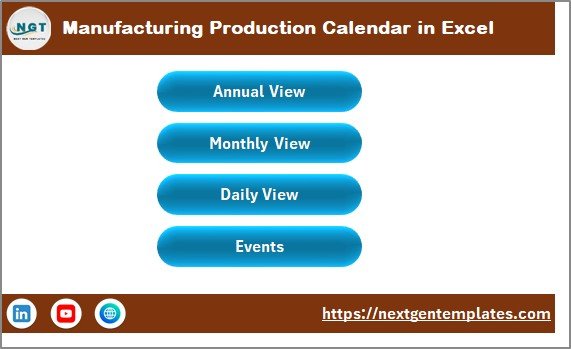 Manufacturing Production Calendar in Excel
2: Annual View Sheet Tab
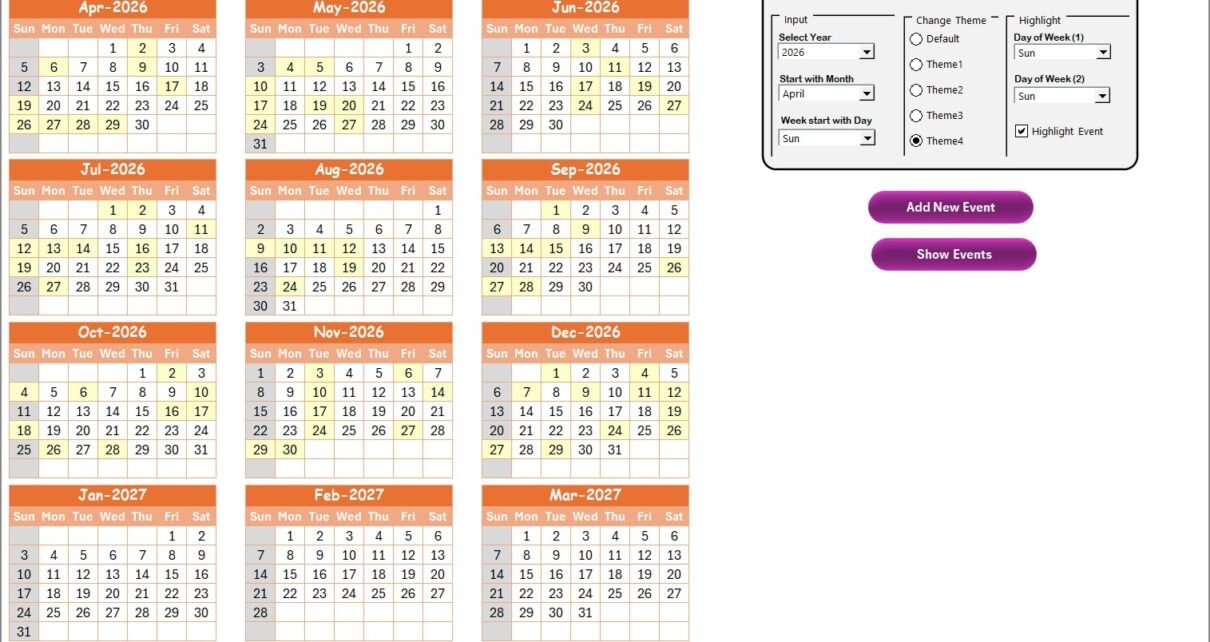
This sheet displays all 12 months in an annual calendar view, allowing a broad overview of the year.
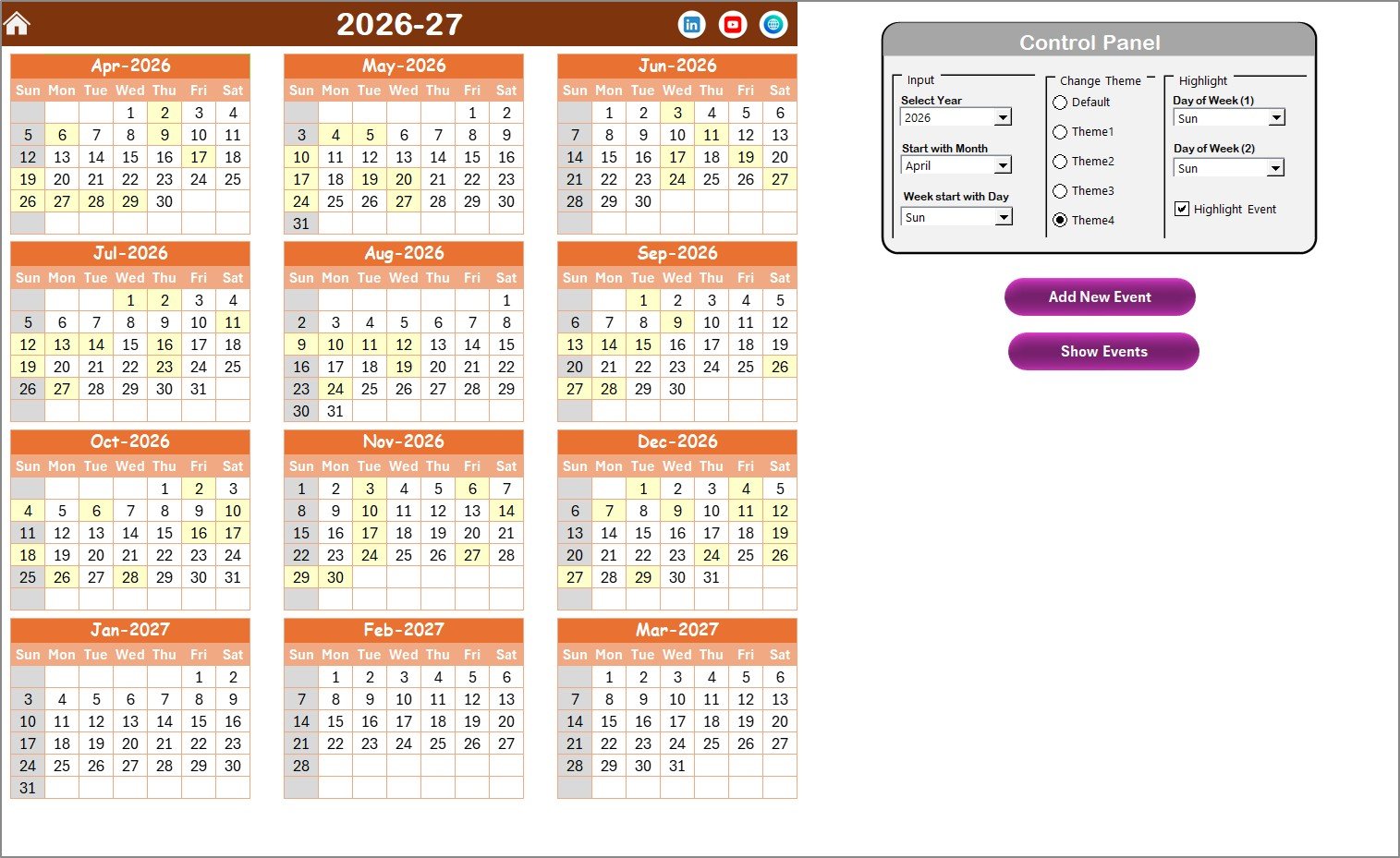 Annual View Sheet tab
Control Panel Groups:
- Input group: Select the Year, starting month, and starting day of the week to customize the calendar.
- Change Theme group: Choose from 5 color themes to apply across the workbook.
- Highlight group: Select two days of the week to highlight and enable event highlighting via a checkbox.
Buttons on Annual View Tab:
- Add New Event: Select a date on the calendar, click to open the event form, enter details, and submit.
- Show Event: View a list of events on the selected date.
3: Monthly View Sheet Tab
This sheet shows a single month calendar based on the chosen month and year. It displays events on respective dates and indicates when there are multiple events.
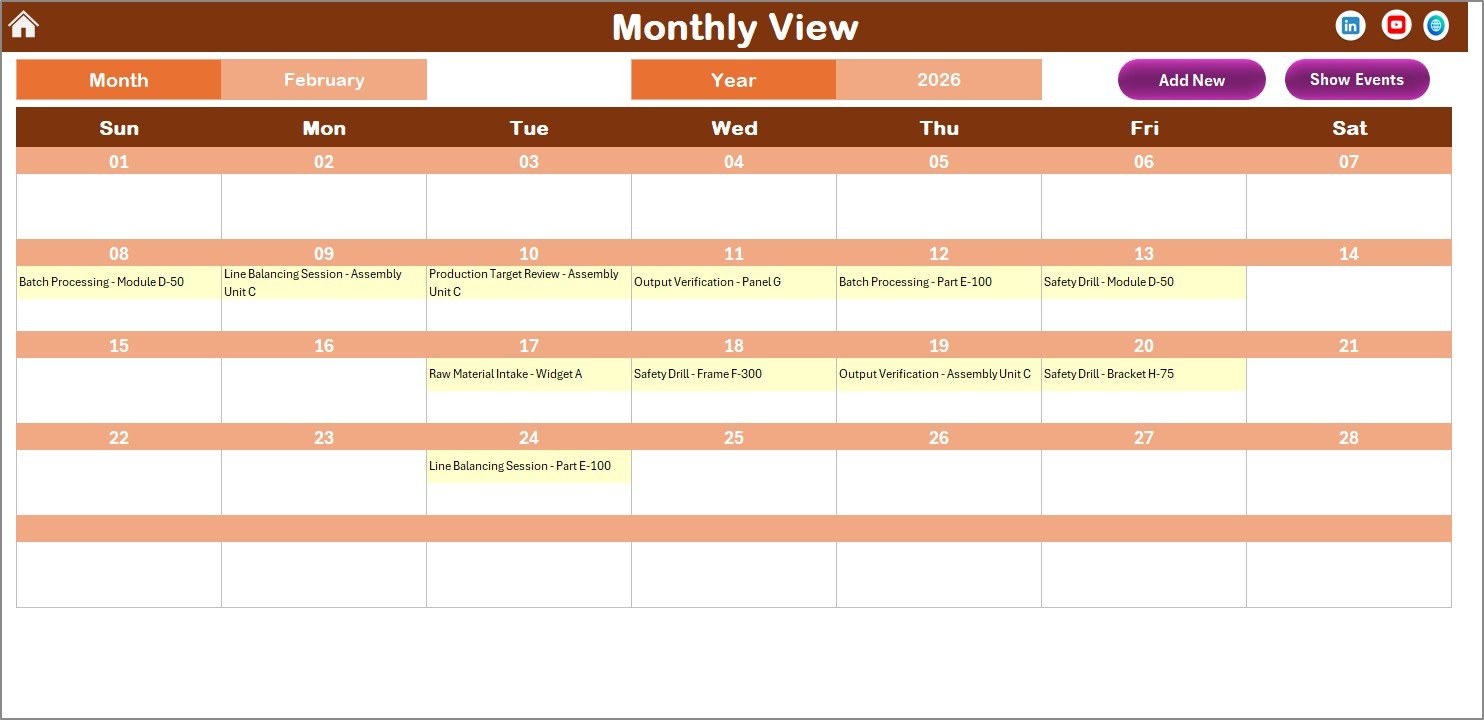 Monthly View Sheet tab
Buttons on Monthly View Tab:
- Add New Event: Add events for a selected date through a form.
- Show Event: View events happening on a selected date.
4: Daily View Sheet Tab
Displays detailed event lists for a selected date range. You can pick a Start date and End date using the provided calendar icons and refresh to view updated data.
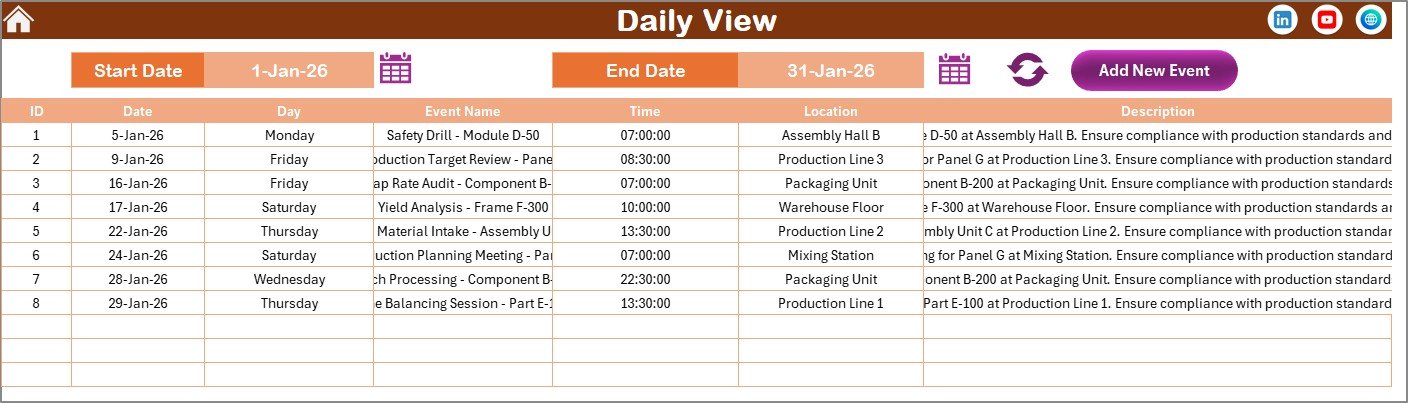 Daily View Sheet tab
Button on Daily View:
- Add New Event: Opens a form to add new events with detailed information.
5: Events Sheet Tab
This is the database sheet where all event details are captured and maintained.
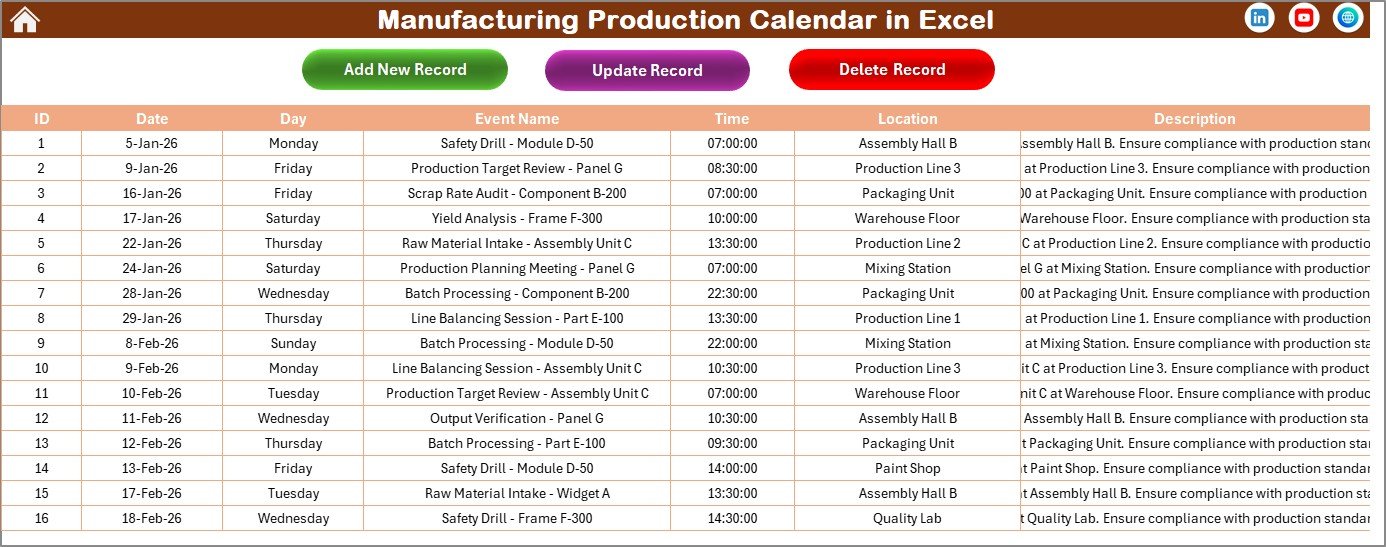 Events Sheet tab
Event Fields Stored:
- ID: Auto-generated number.
- Date: Date of the event.
- Day: Day of the event (e.g., Sunday, Monday).
- Event Name: Name of the event.
- Time: Event timing.
- Location: Event location.
- Description: Short description of the event.
Buttons on Events Sheet Tab:
- Add New Record: Add a new event by filling out a form.
- Update Existing Record: Select an event by ID to edit and update its details.
- Delete Record: Remove an event by selecting its ID.
Advantages of Manufacturing Production Calendar in Excel
Click to Buy Manufacturing Production Calendar in Excel
- Structured and centralized calendar system for manufacturing events and schedules.
- User-friendly interface with navigation buttons for quick access to views.
- Customizable calendar views for different managerial and operational needs.
- Event highlighting enhances tracking of key days and important events.
- Easy event management with straightforward add, edit, delete functionalities.
- Excel-based template requiring no additional software or tools.
Opportunities for Improvement
- Integration with automated notifications or reminders could further streamline event awareness.
- Adding more granular views, like weekly or shift-based calendars, could benefit manufacturing teams.
- Incorporation of color-coded priorities or status indicators for events would enhance usability.
- Linking with external data sources such as ERP or inventory systems for real-time updates.
Best Practices
Click to Buy Manufacturing Production Calendar in Excel
- Regularly update and verify event information on the Events sheet to maintain accuracy.
- Make use of theme options to adapt visual aspects to your organizational branding.
- Highlight weekends and important production dates to avoid scheduling conflicts.
- Back up the Excel calendar regularly to prevent data loss.
- Train team members on how to add and update events for smooth collaboration.
FAQs
Click to Buy Manufacturing Production Calendar in Excel
Can I customize the starting day of the week in this calendar?
Yes, the Annual View sheet includes options to set the starting day of the week to suit your preferences.
How do I add new events to the calendar?
You can use the ‘Add New Event’ button available on multiple sheets to open the form and enter event details. Once submitted, the event is added to the selected date.
Is there a way to highlight weekends or specific days?
Yes, the highlight group in the control panel allows you to choose any two days of the week to highlight in the calendar.
Can I view multiple events on a single date?
The monthly view shows if there is more than one event on a date with an indicator like ‘more than 1…’. You can also use the ‘Show Event’ button to see the list of all events on that date.
Can I update or delete existing event records?
Yes, on the Events sheet, you can select an event by its ID and update or delete the record using the provided buttons.
Conclusion
Click to Buy Manufacturing Production Calendar in Excel
The Manufacturing Production Calendar in Excel offers an efficient and adaptable solution for managing production schedules and events within the manufacturing domain. Its rich features, ease of use, and comprehensive views make it a valuable tool for production planners, managers, and teams. With proper utilization and regular updates, it can substantially improve organization and operational efficiency.
For more information and detailed demonstrations, visit the official Microsoft Excel support page.
Visit our YouTube channel to watch the demo.
Click to Buy Manufacturing Production Calendar in Excel