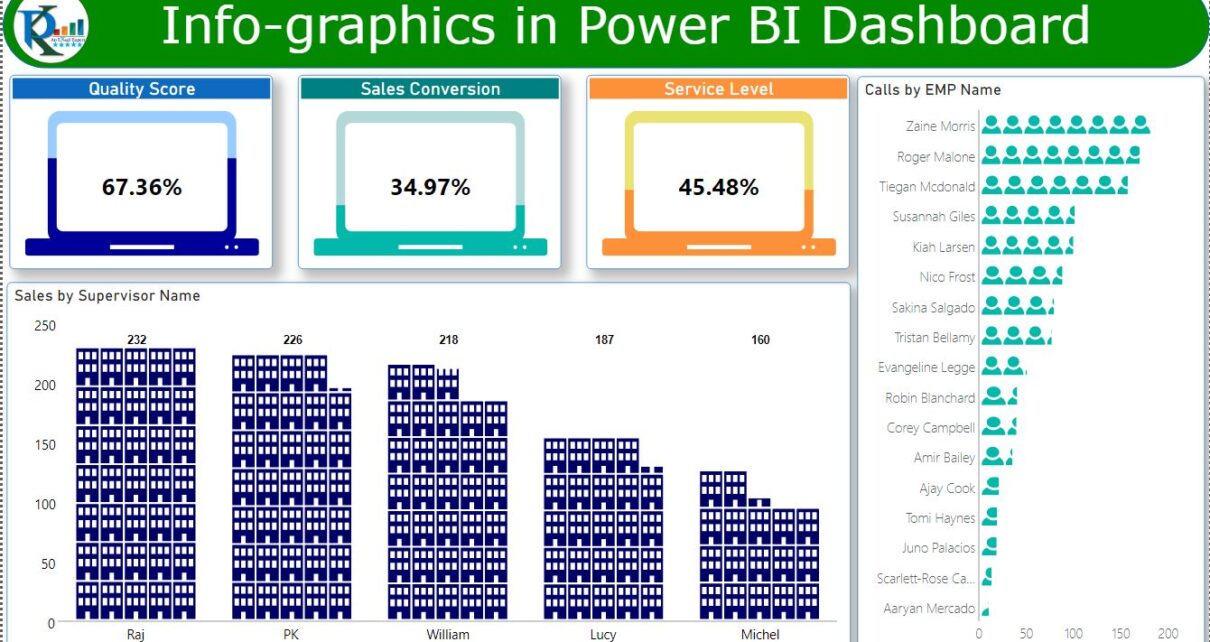
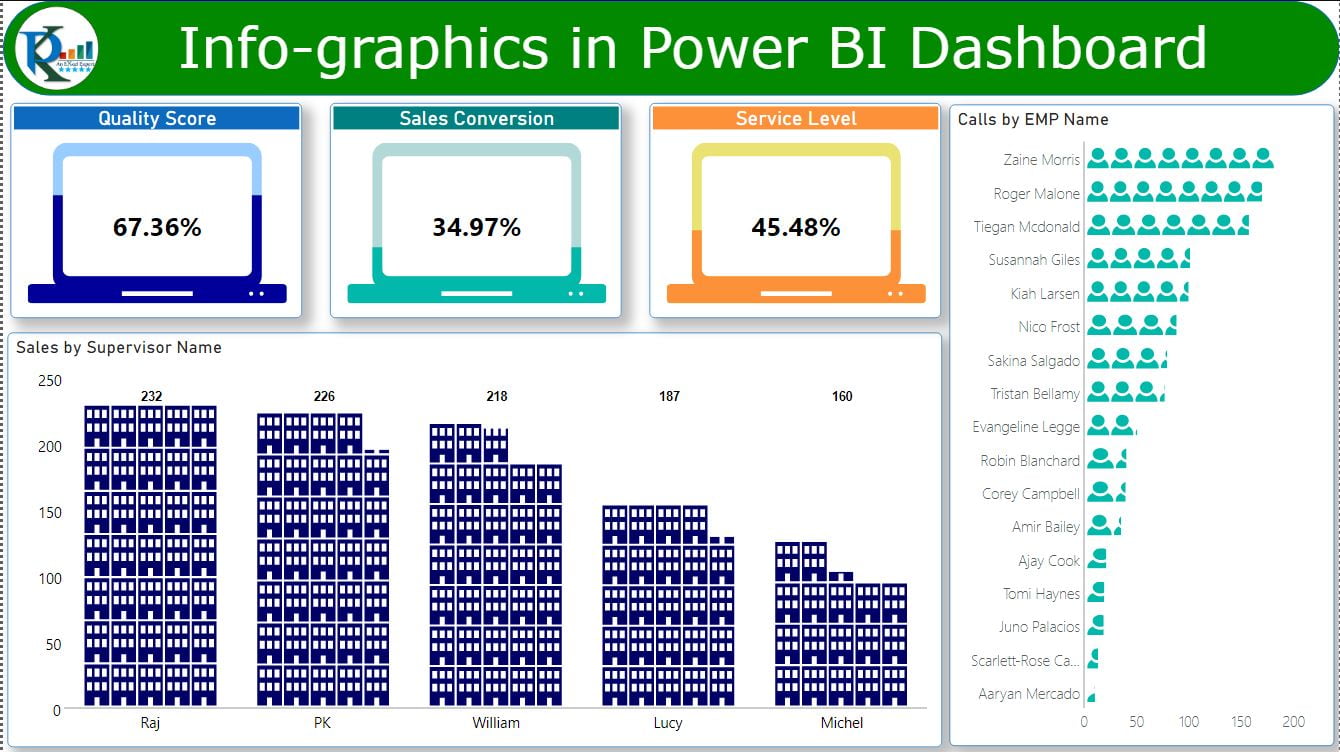
This Power BI example uses Infographic Designer to display cards, column charts and bar charts with icons. The dashboard screenshot shows the finished visual design; the video and practice file accompany the original walkthrough.
Which visuals are demonstrated?
- Cards: Present values using the example’s infographic design.
- Column chart: Displays values using columns with icons.
- Bar chart: Displays values using bars with icons.
The tutorial demonstrates the original custom visual workflow. Check the visual’s current compatibility in your Power BI environment before adapting the sample.
In this article, you will learn how to use Infographic Designer Visual in Power BI. This Visual can improve the beauty of your Power BI Dashboards. Using this Visual, we have created Cards, Column Chart and Bar chart with infographics icon in the Chart.
Infographics in Power BI dashboard
Watch the step by step video tutorial to follow the Infographic Designer example:
Click here to download the practice file
Visit our YouTube channel to learn step-by-step video tutorials
Looking for ready-made Power BI Dashboard Templates?
Browse finished, fully working templates you can use with your own data straight away.